Clone your own voice with Claude
Give Claude a short recording of you, see the price first, and get a voice that speaks anything you write. Nothing is cloned until you say so.
What you'll make
A copy of your own voice that Claude can use for narration and talking videos. You give Claude a short recording of you and see the price first. In the example, cloning costs 5 credits once, and each spoken line costs 3 credits per 1,000 characters.
First time? Connect Filem to Claude: Connect Filem to Claude.
1. Record about 20 seconds
- One person speaking, in a quiet room, close to the microphone, at your normal pace.
- 10 to 30 seconds is plenty. A recording under 6 seconds is refused.
- mp3, wav or m4a, up to 15 MB. A flat or echoey recording gives a flat or echoey voice: the clone copies the room and the way you speak.
2. Drag the file in, or give a link
Drag your recording into the chat. Claude can read it, but it has to send the file on to Filem, and claude.ai's workspace may block that upload. If it does, Claude names the domain to allow in your claude.ai settings (Settings, then Capabilities). You can also skip all of that: put the recording online and give Claude a public link to the audio file.
3. Ask Claude for the price first
Clone my voice with Filem. The recording is here: (your link). I am the speaker and I give permission. Call the voice "My voice". Show me the price first and don't clone anything yet.
Claude runs a free check (a dry run): it looks at your recording and tells you the price and the length. Nothing is cloned and nothing is charged.
4. Say go
When you say go, Claude asks to clone the voice. This is a paid step, so you choose Allow once. Only clone a voice you have permission for: your own, or someone who said yes.
5. Make it speak
Say "Hi, this is my own voice, cloned from twenty nine seconds." using the voice "My voice".
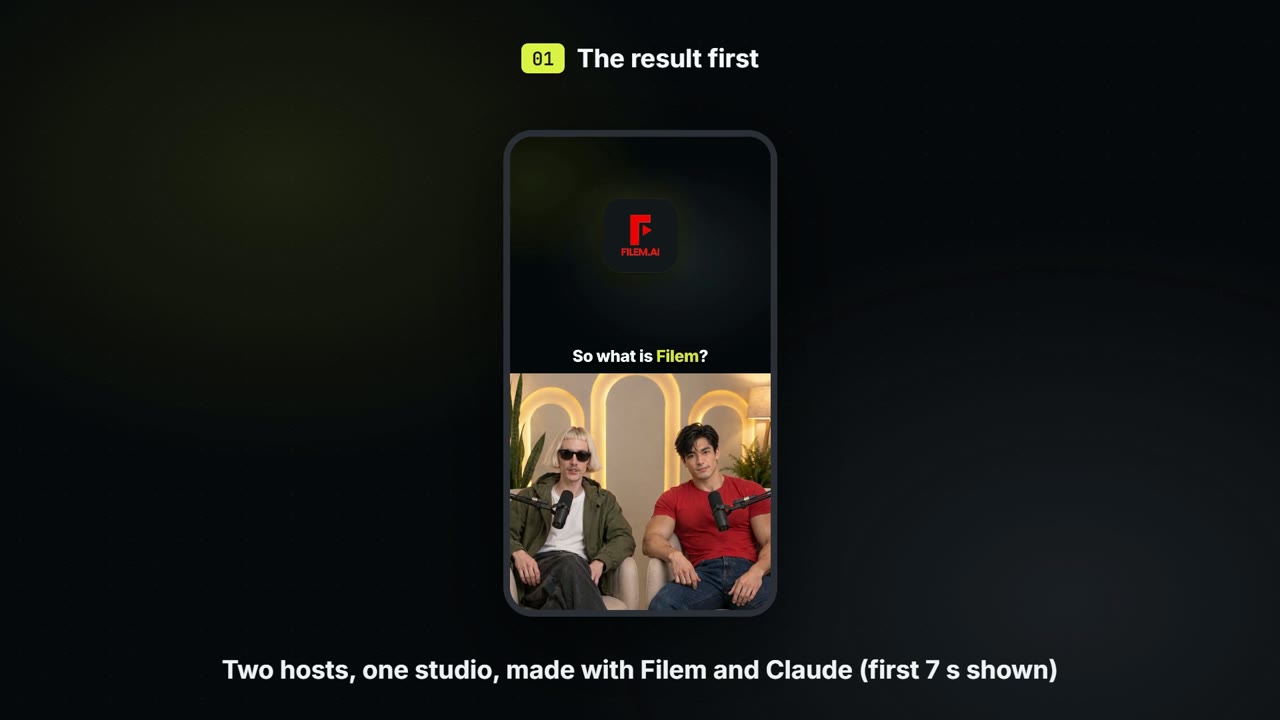
Claude asks to make the voice line (3 credits per 1,000 characters). Choose Allow once and you get an audio file in your voice. You can also use the voice for a talking video: Make a two-host podcast video with Claude.
How this video was made. It follows a real claude.ai chat: the free check was allowed, and the two paid steps (the clone and the voice line) were declined, so nothing was charged. The cloned voice you hear is the speaker's own voice, made earlier the same way. The voice-list step is an illustration.
Everything Claude makes is saved in your MCP history.