AI video & ad tutorials
Short videos that show you how to make ads, reels and videos with filem.ai, and how to connect it to Claude.
Connect Filem to Claude
Add Filem as a connector in Claude in four clicks, then make videos, images and ads right from your chats.
Watch the tutorial →Basics
Connect Filem to Claude
Add Filem as a connector in Claude in four clicks, then make videos, images and ads right from your chats.
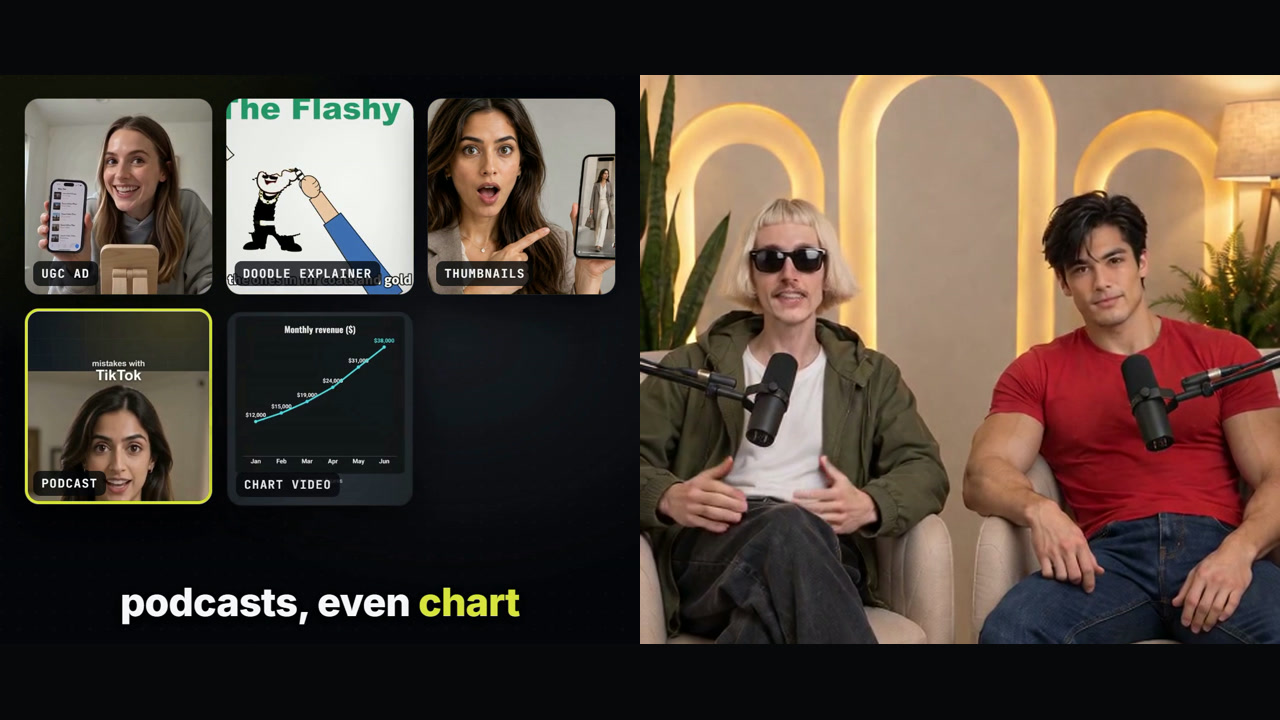
What is Filem? A quick tour
Two hosts show what you can make with Filem and Claude, and how it works: connect in four clicks, ask in one sentence, see the price first.
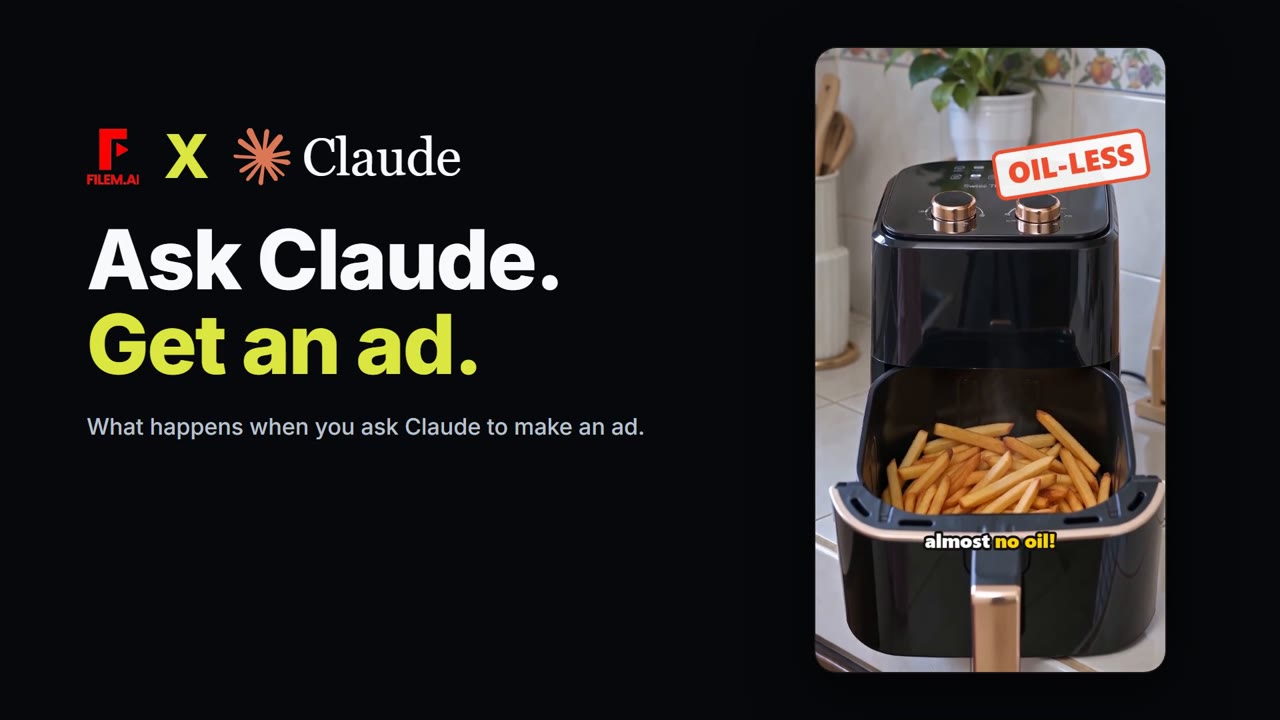
What happens when you ask Claude to make an ad
One sentence typed into Claude, and Filem's tools do the rest: script, shots, a price you approve, then a finished ad.

A brand video with no crew, no studio, no editor
A 42-second video about what Filem does for your brand, presented by a host who is not real: his voice and talking were made in Filem.
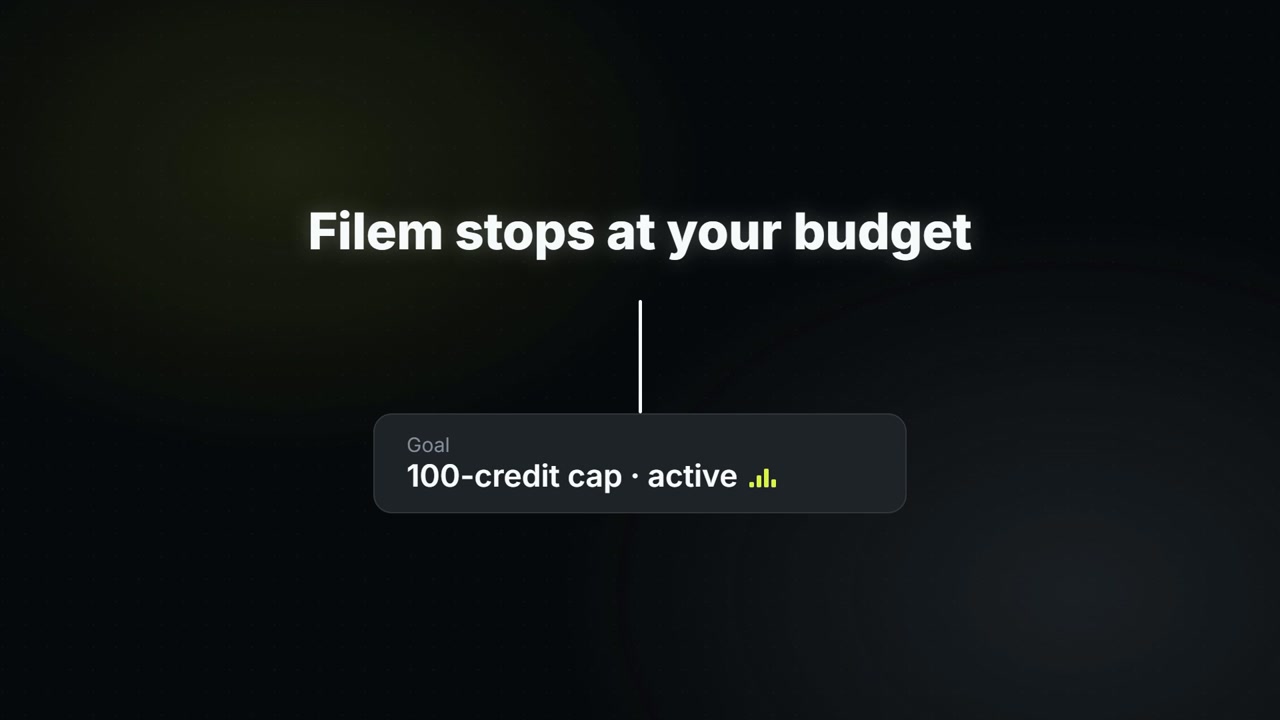
Check credits and set a spending cap with Claude
See your balance and prices for free, then set a goal budget so Filem itself stops spending at your limit.
Canvas
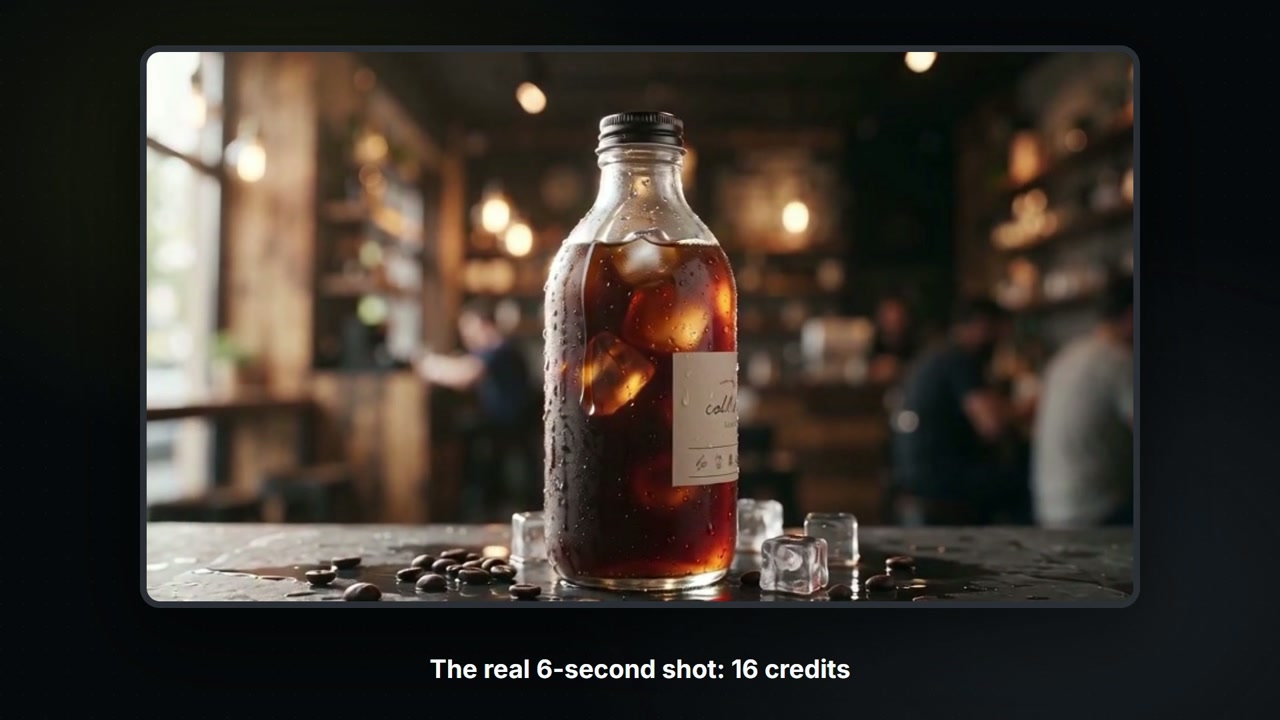
Build a Canvas board with Claude
Claude controls your Canvas board: tell it what you want and it adds the nodes, wires them, shows the price, then runs them. A 6-second product shot for 16 credits.
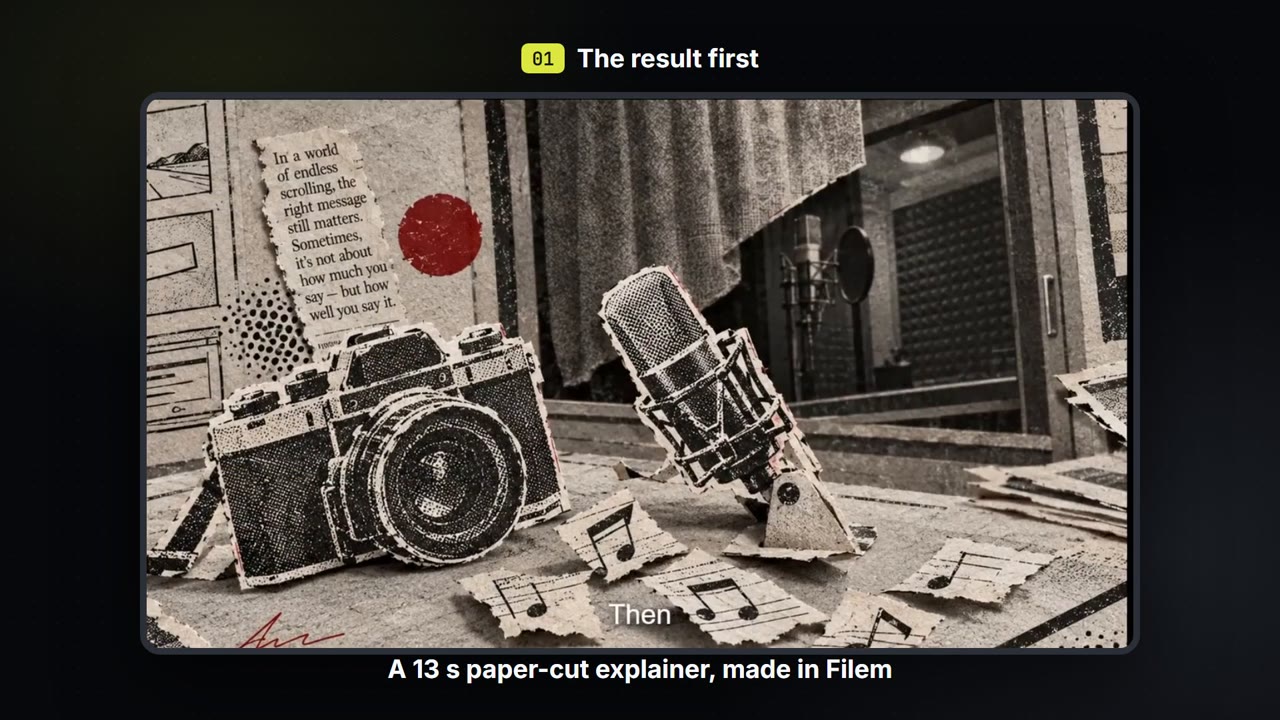
Make a paper-cut explainer video
Write a few lines, pick a paper-cut or ink look, and get a narrated explainer film with captions that you can export. About 35 credits for a 13-second film.
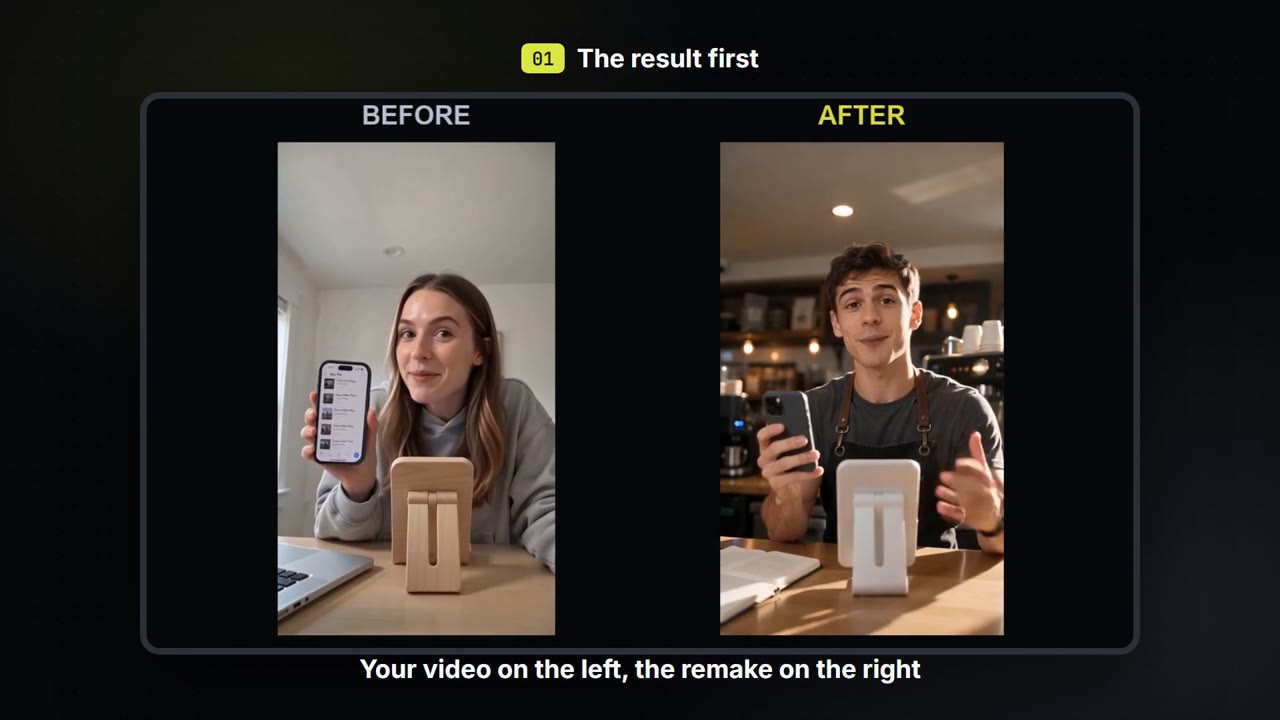
Swap the person, place and voice in your own video
Keep how your own video moves. Change who is in it, where it happens and what they sound like, then compare before and after.
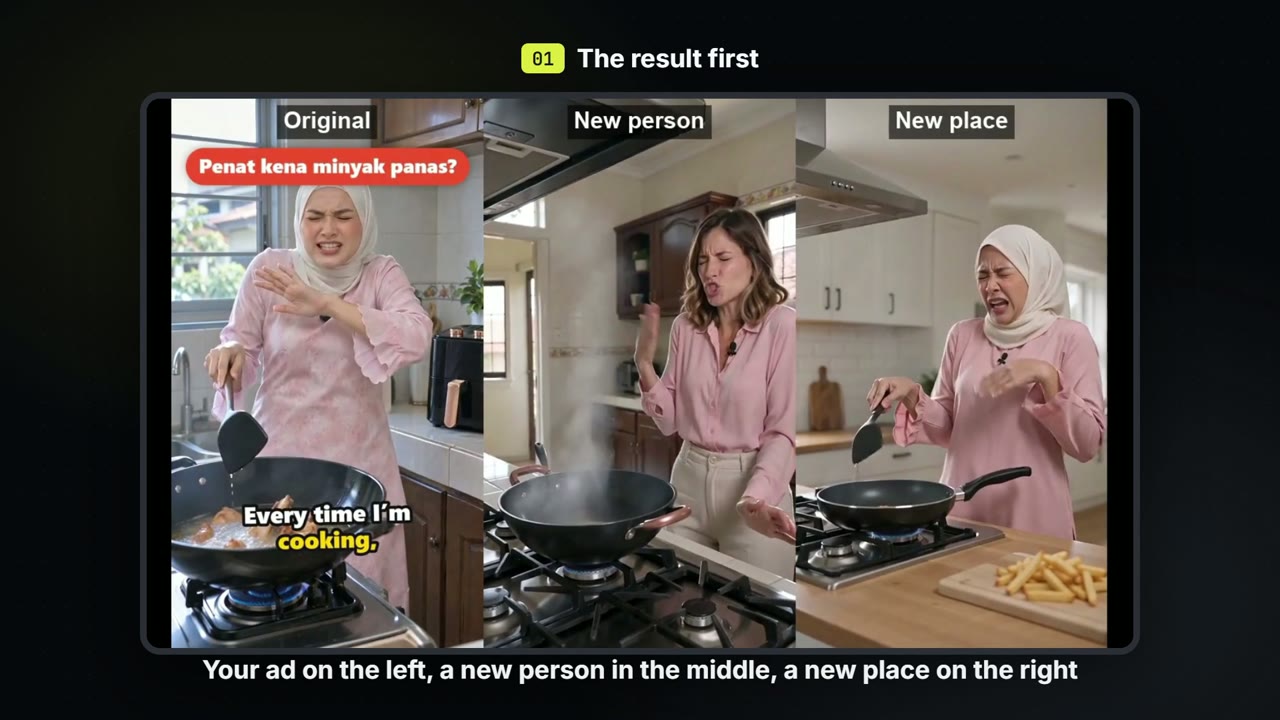
Make versions of one ad: a new person, a new place
Keep the script and the beats of an ad you already have. Make one version with a new person and one in a new place, for about 71 credits each.
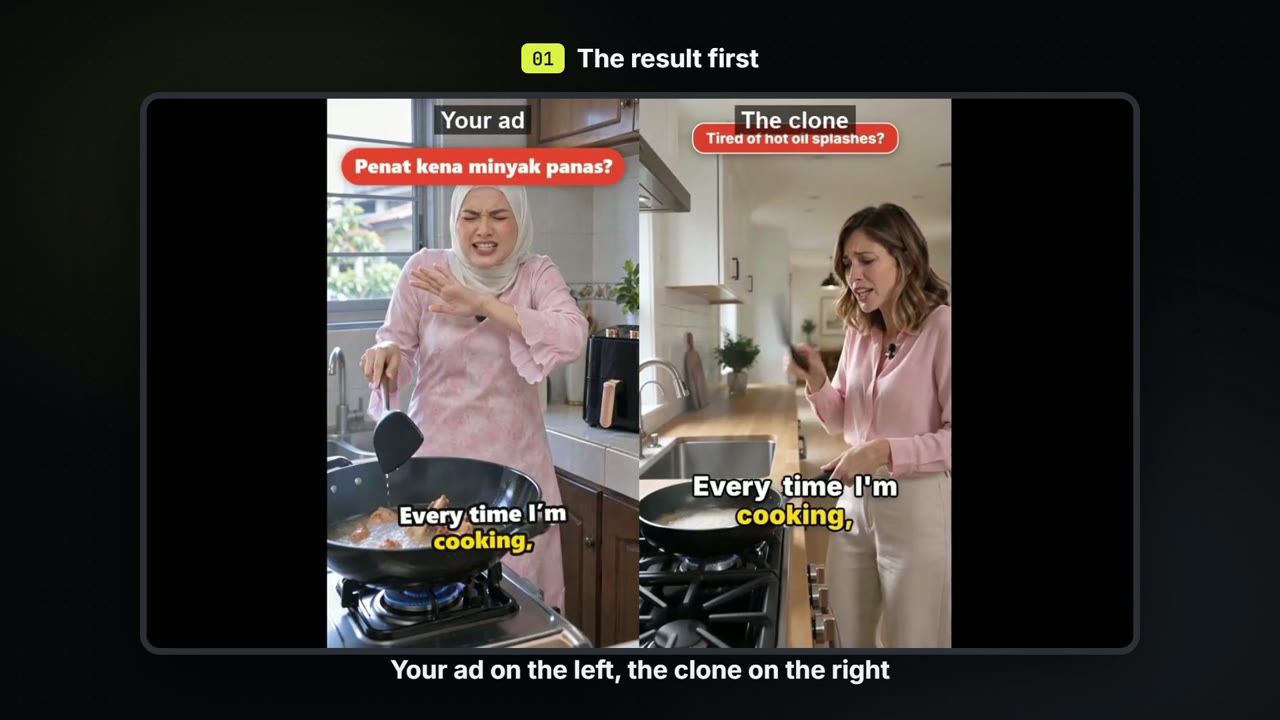
Clone an ad: new person, new place, your own motion graphics
Remake an ad you already have with a new person in a new place saying the same words, then add your own hook badge, highlighted captions and end card.
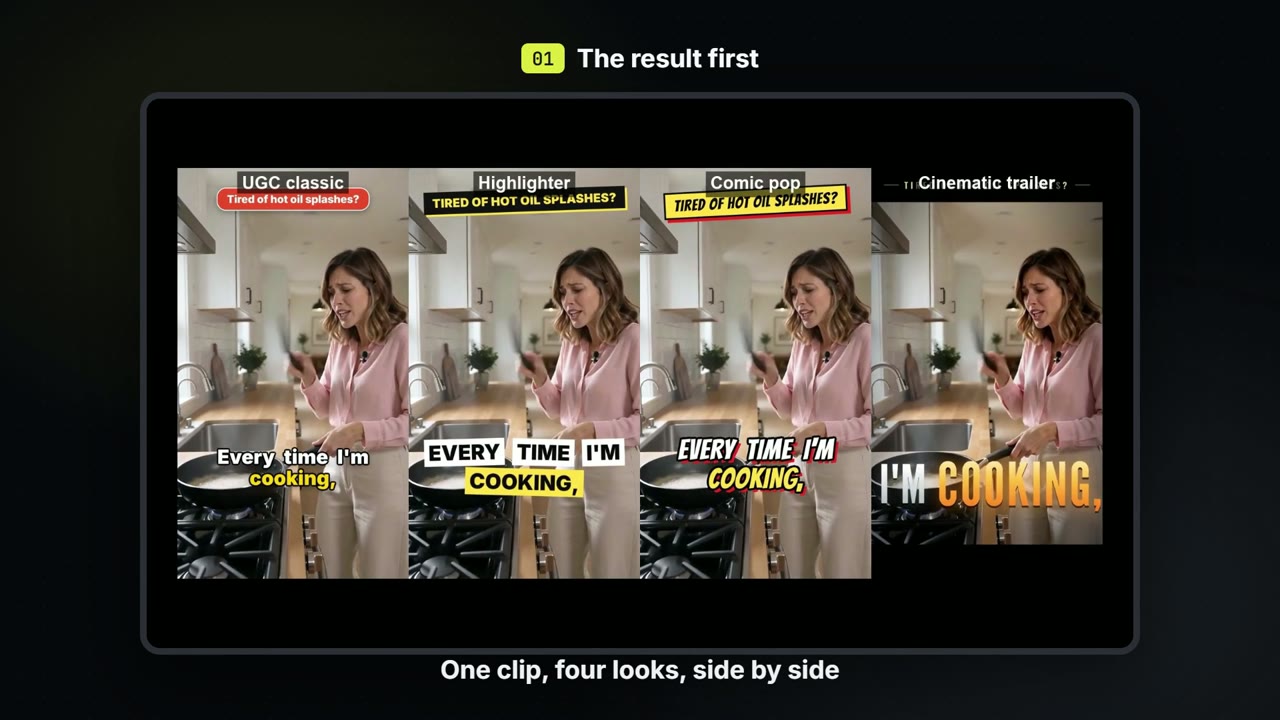
One ad, four motion-graphics styles
Take one finished clip and dress it four ways, with the same words and the same timing: a social classic, a highlighter, a comic pop and a cinematic trailer.
Video editor
UGC
Explainer video
Make a doodle explainer video with Claude
Script, drawings and a voice for a short whiteboard explainer, saved to a board you send to the editor.
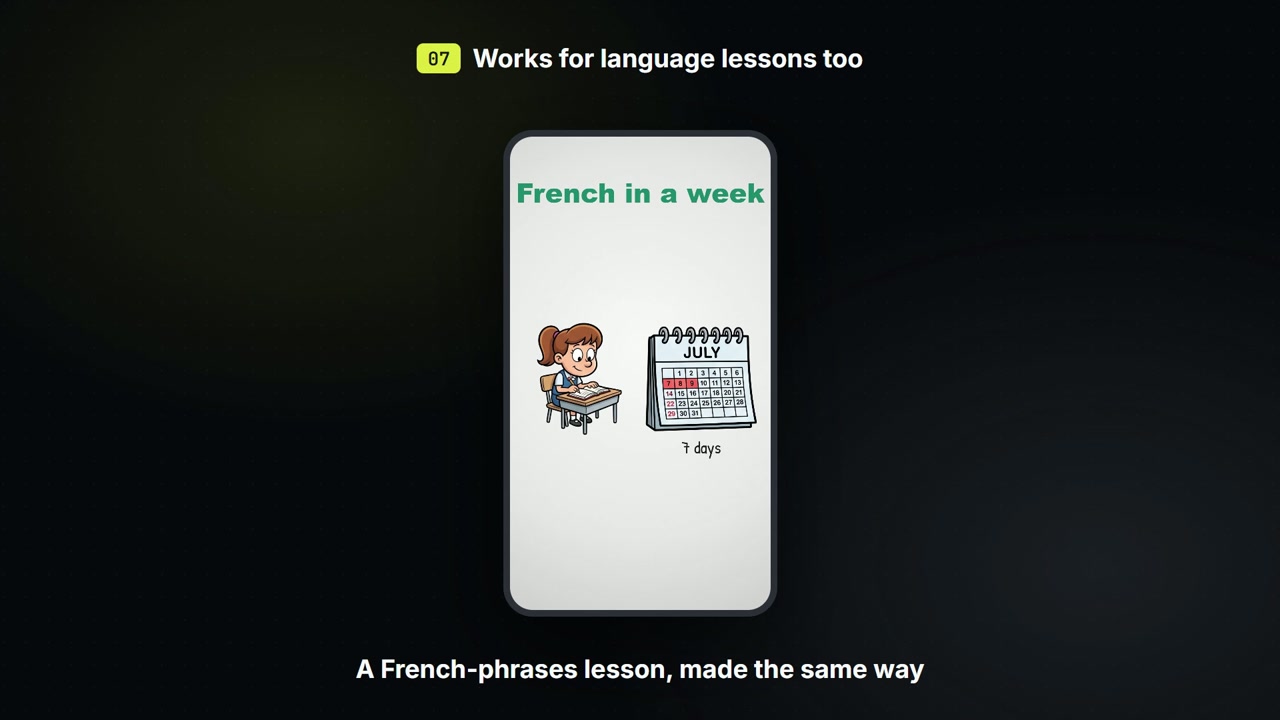
Make a language lesson with Claude
Give Claude a few phrases and it draws each one with a picture and reads it aloud: a French lesson for 7 credits.
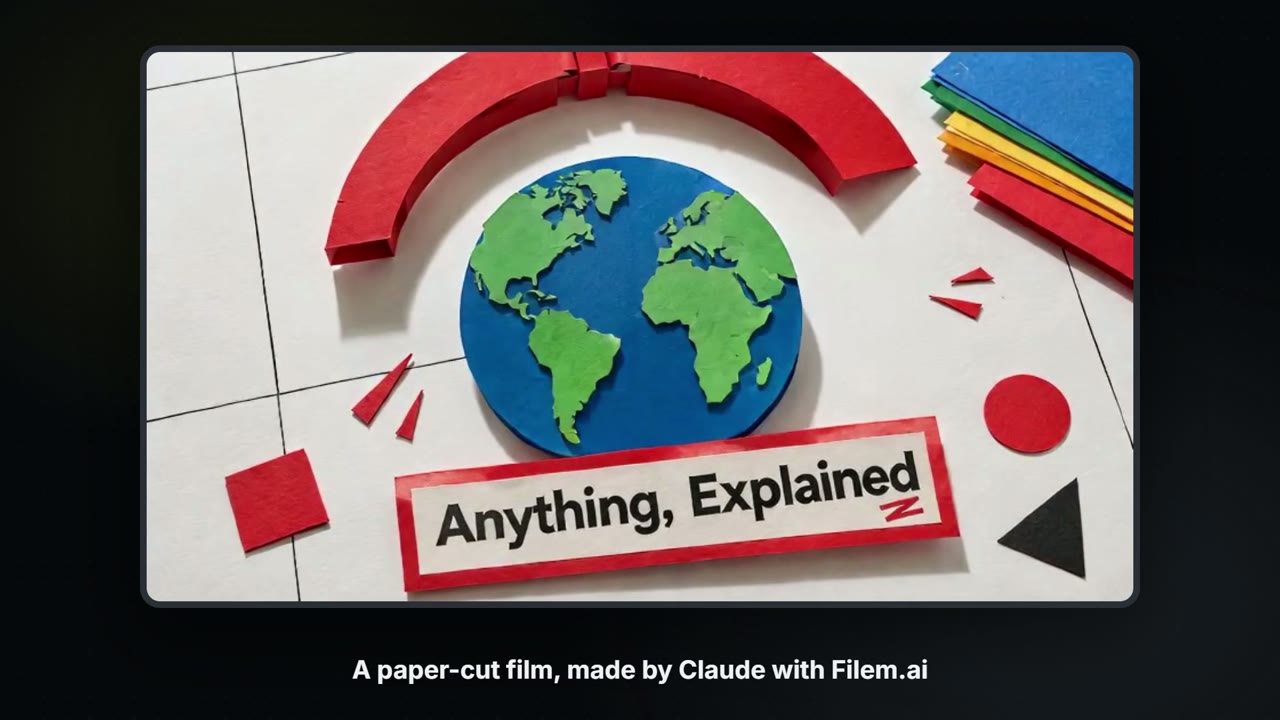
Make a paper-cut explainer film with Claude and Filem.ai
Give Claude a short script and Filem.ai makes the film: a poster for every beat, a voice for every line and paper pieces that move. About 66 credits for a 13-second film, priced step by step before anything is spent.
Animation
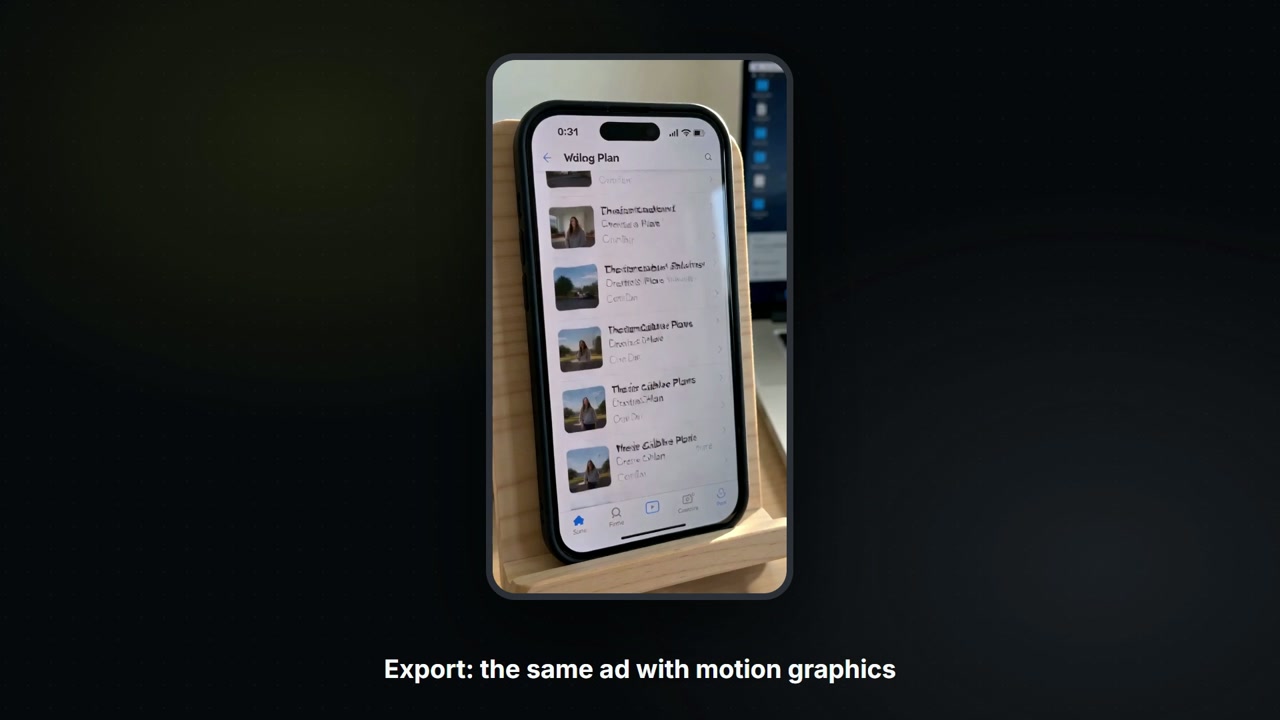
Add motion graphics to a UGC video with Claude
Kinetic captions, a punch-in and an end card on your ad, set up in the Filem video editor. Free: nothing new is rendered.
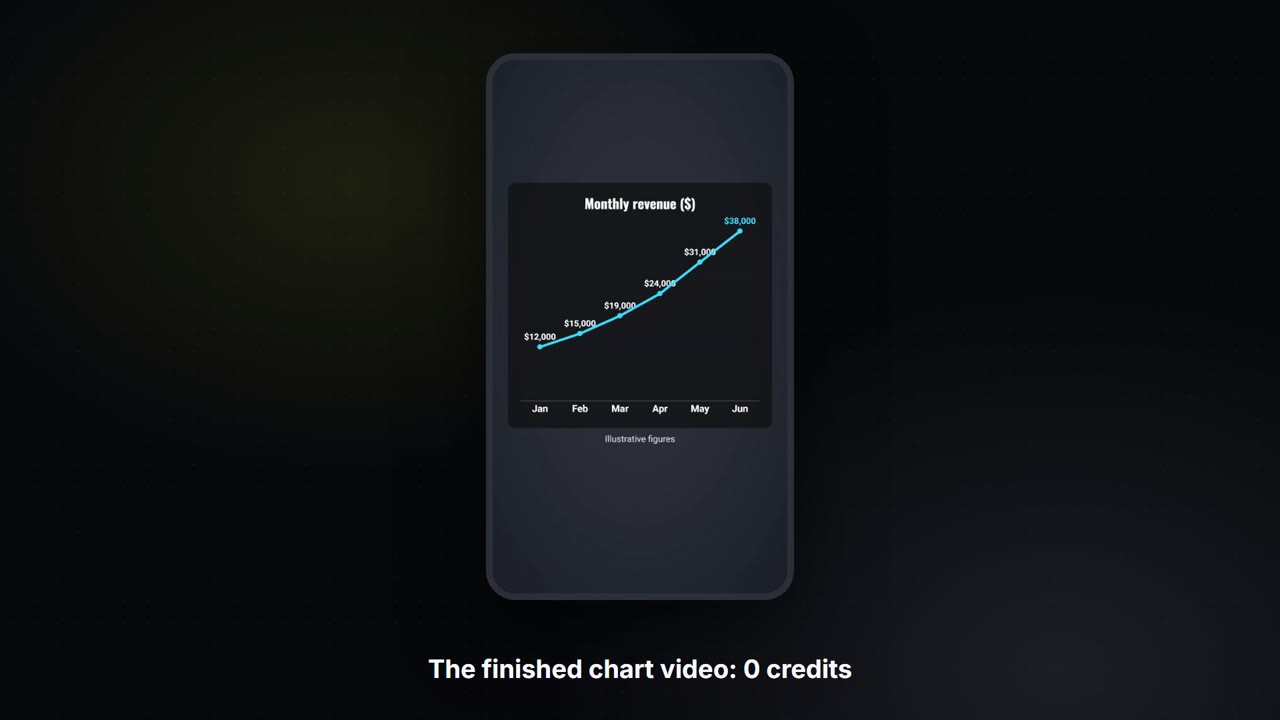
Turn your numbers into a chart video with Claude
Give Claude your figures and get a short vertical video: bars that grow into a line, a counting-up number and a closing line. No footage and no credits.
Talking reels
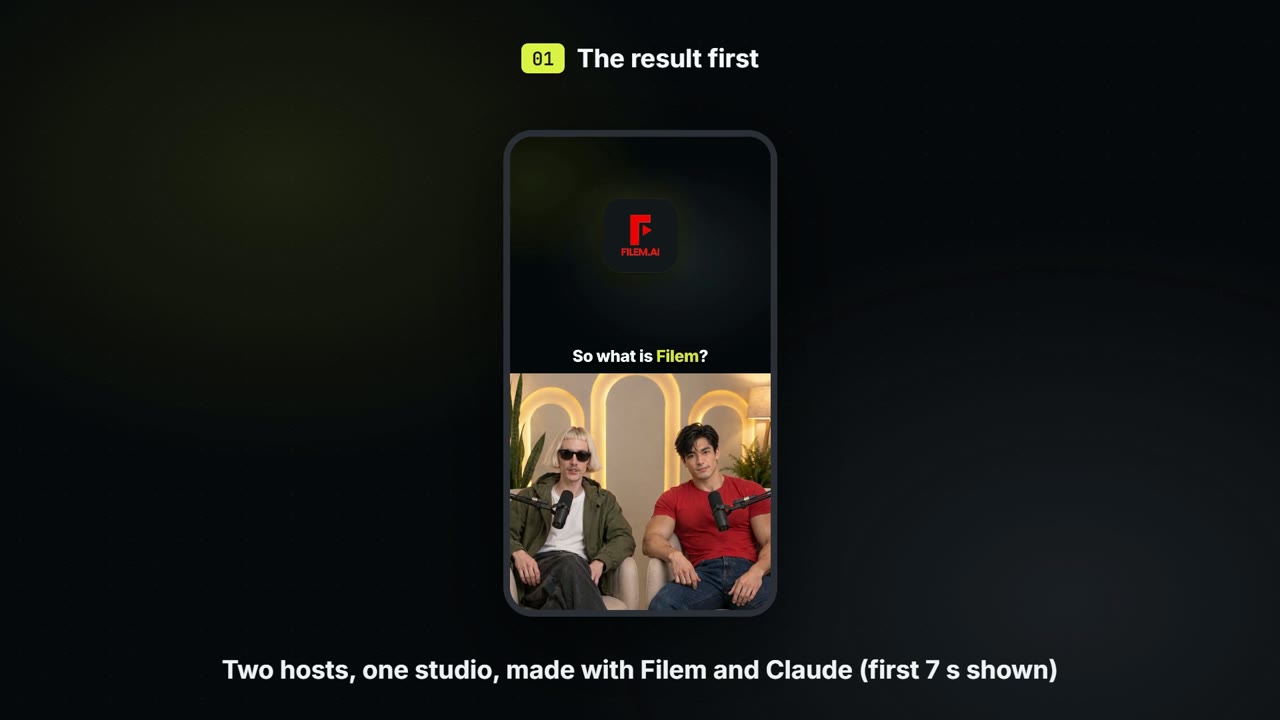
Make a two-host podcast video with Claude
Give Claude two hosts and your own studio photo. It shows the price first, makes the studio picture, and sends the cut to your editor. Nothing is spent until you say go.
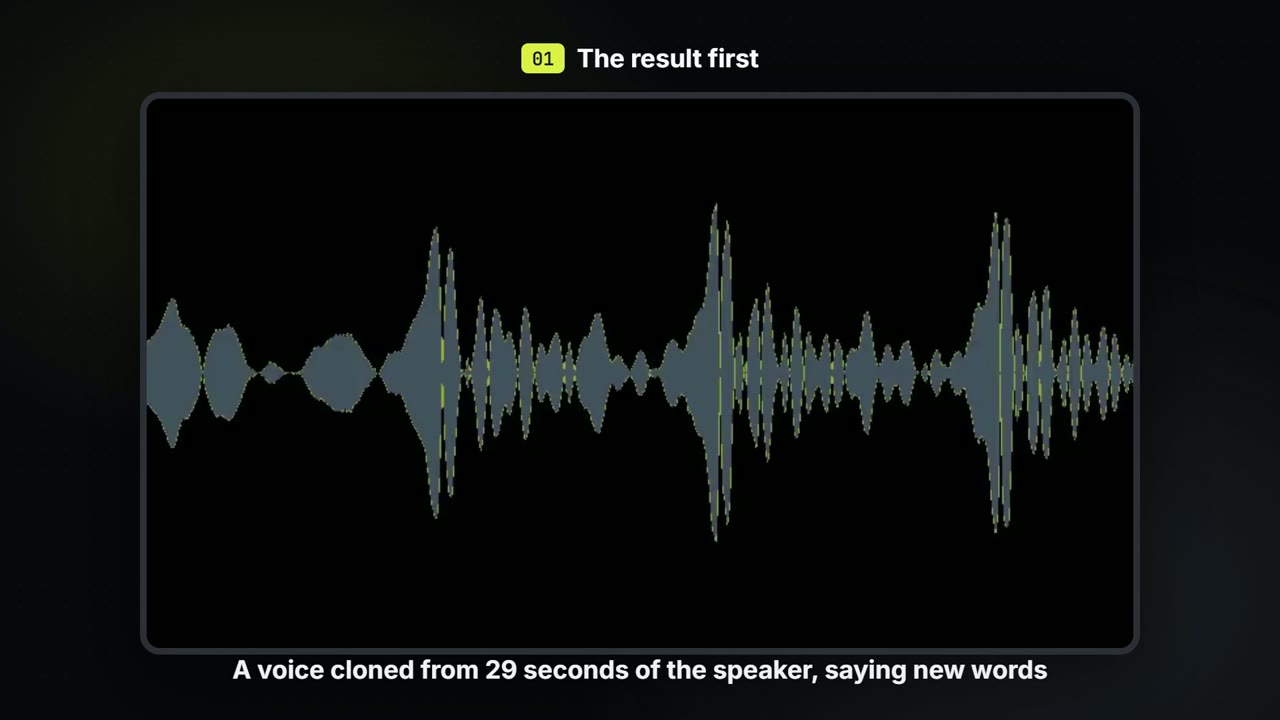
Clone your own voice with Claude
Give Claude a short recording of you, see the price first, and get a voice that speaks anything you write. Nothing is cloned until you say so.
Thumbnails
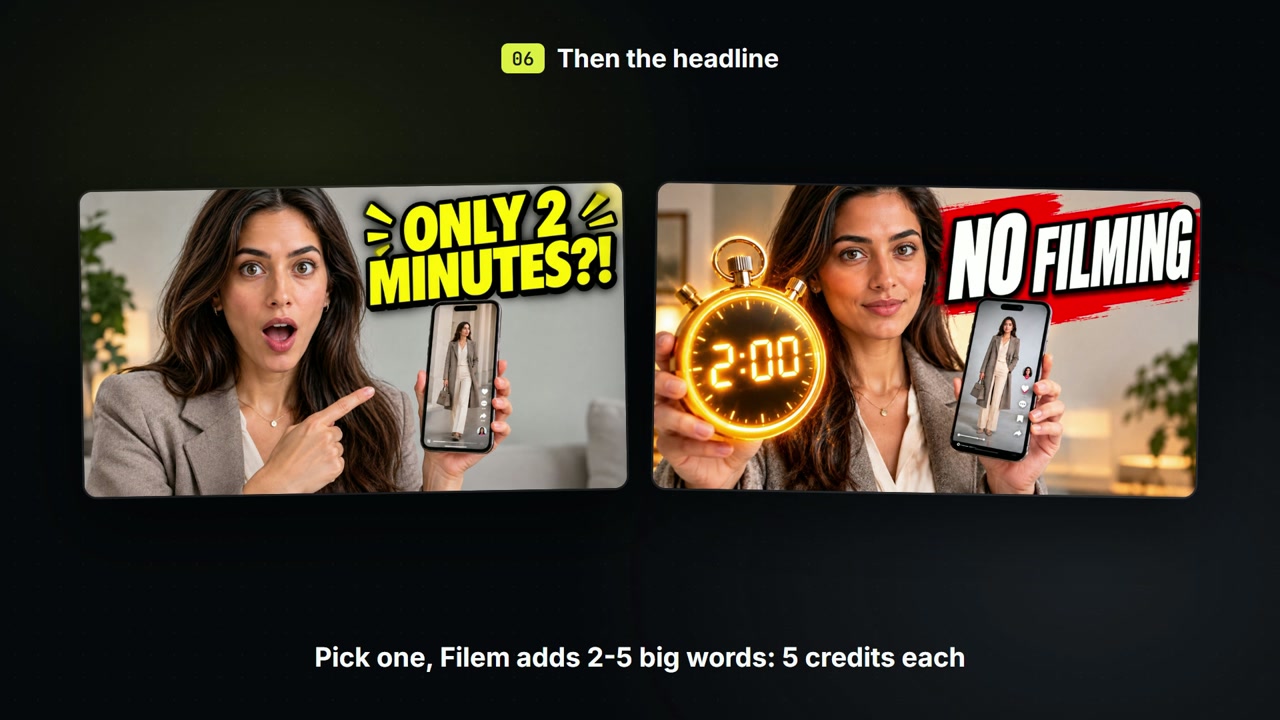
Social
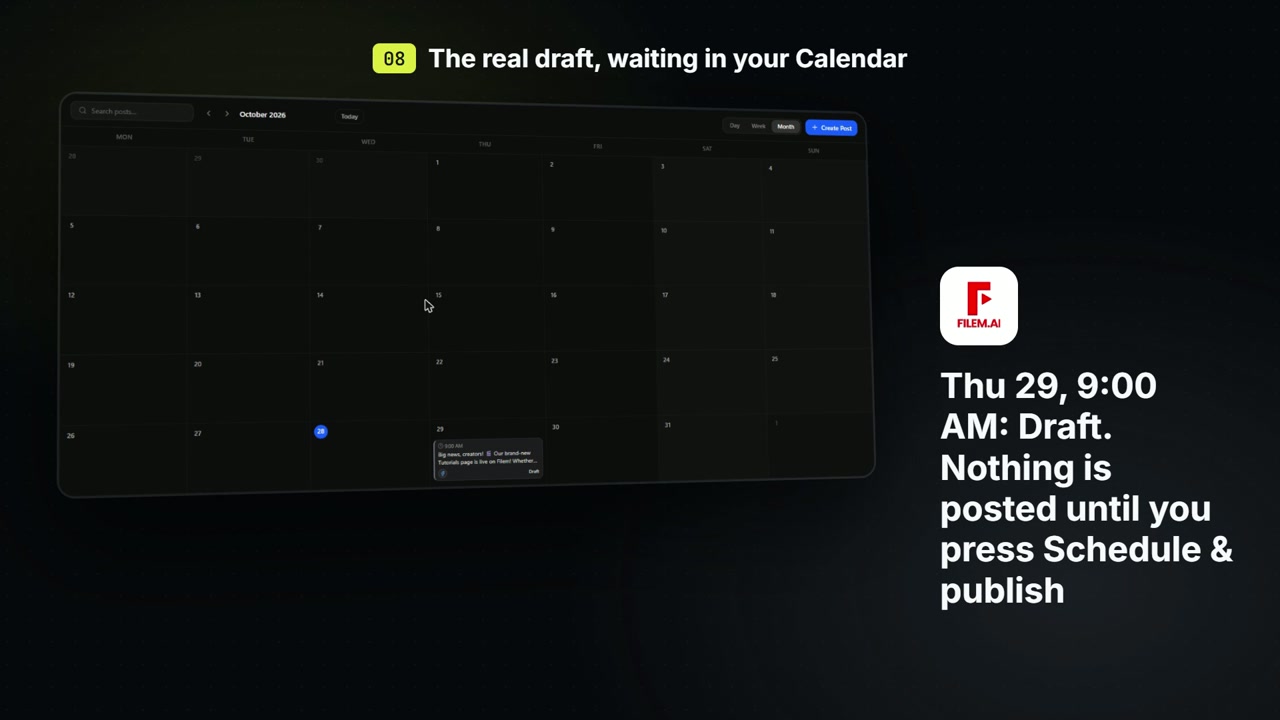
Draft a social post with Claude
Ask Claude to write a post and save it as a draft in your Social Studio Calendar. Nothing is published until you press Schedule & publish. Free.
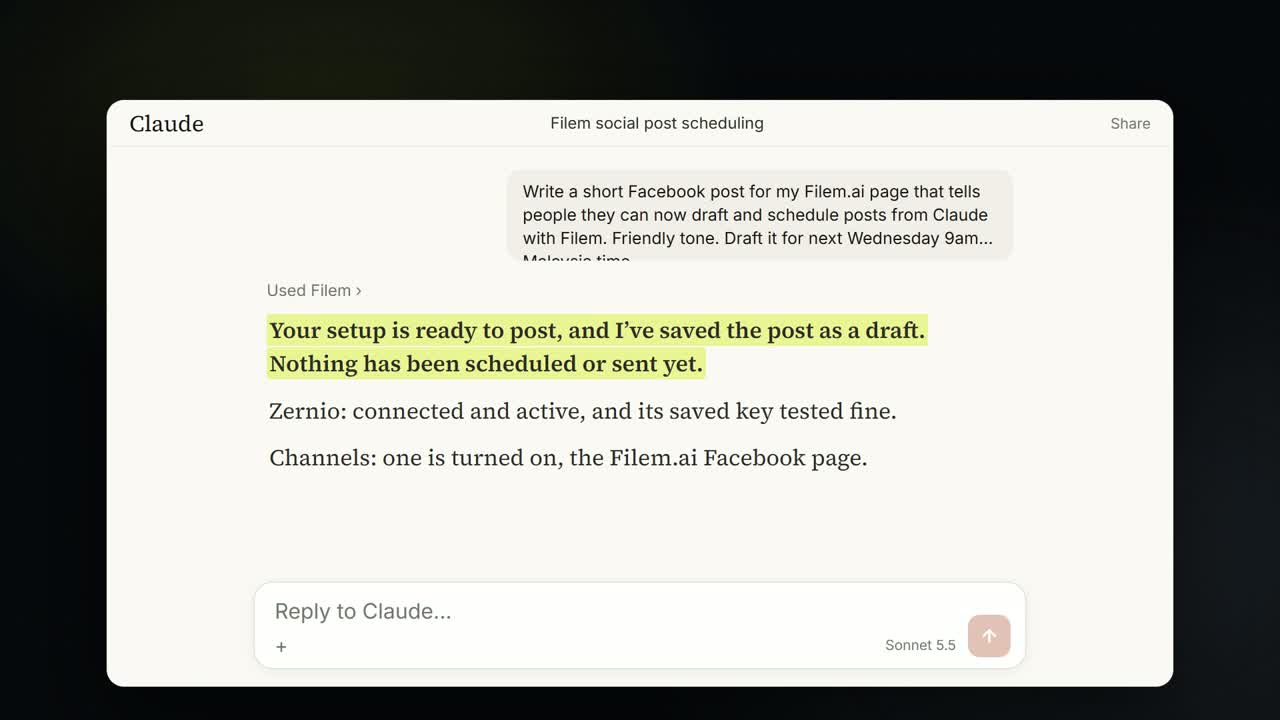
Schedule social posts with Claude
One chat: Claude checks your social setup, drafts a Facebook post, schedules it, edits it and cancels it. Each step asks first and costs no credits.