Make a paper-cut explainer film with Claude and Filem.ai
Give Claude a short script and Filem.ai makes the film: a poster for every beat, a voice for every line and paper pieces that move. About 66 credits for a 13-second film, priced step by step before anything is spent.
What you'll make
A 13-second paper-cut explainer film, made from a short script by Claude with Filem.ai: one poster per beat in a single look, a voice for every line, and paper pieces that move. Every paid step shows its price first. This one cost about 66 credits.
First time? Connect Filem to Claude: Connect Filem to Claude.
1. Claude starts the film
Claude uses Start a paper-cut explainer film with your script, a look (Swiss Modern here), four beats and a 16:9 frame. This step is free.
2. It writes the beats
Write the film's beats cuts the script into four beats and drafts a poster prompt for each. It costs 1 credit.
3. Posters, priced first
Render the film's posters has a free dry run: it tells you the price before it renders anything. Four posters cost about 20 credits. Beat 1 renders first. The other posters then use its finished picture as a reference, so the whole film looks like one world.
4. A voice for every line
Voice the film and pick caption words makes one voice line per beat and picks the words that stand out in the captions. Four lines cost about 13 credits.
5. The pieces move
Animate the film's posters makes each poster move, using the paper-cut motion Filem.ai already has for this look. It costs about 8 credits per clip (Seedance 2 Mini, 480p, 4 seconds), so about 32 for four. You can try one beat first.
6. The cut waits in the Video Editor
Claude sends the finished cut to your project's Video Editor with the voice, captions and transitions already in it. Open the project's Video tab and click Load, then Export.
Each paid step asks you to Allow once.
Everything Claude makes is saved in your MCP history.
More Explainer video tutorials
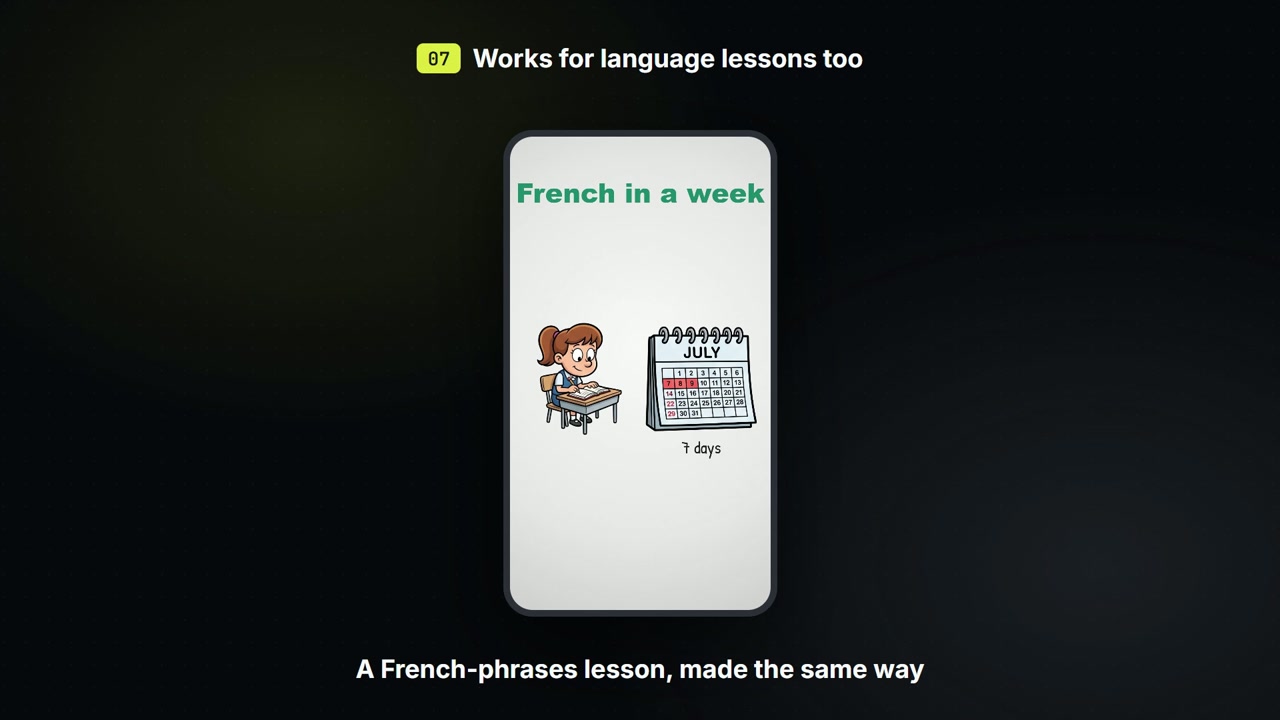
Make a doodle explainer video with Claude
Script, drawings and a voice for a short whiteboard explainer, saved to a board you send to the editor.
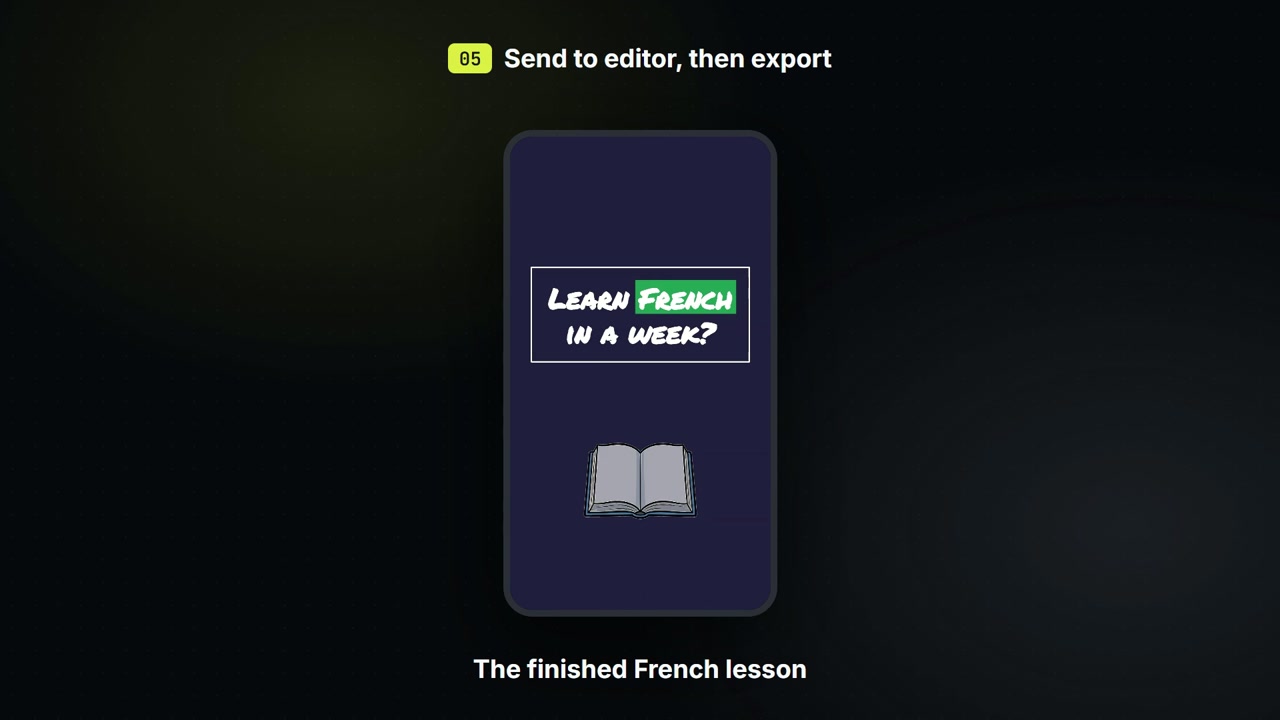
Make a language lesson with Claude
Give Claude a few phrases and it draws each one with a picture and reads it aloud: a French lesson for 7 credits.