What happens when you ask Claude to make an ad
One sentence typed into Claude, and Filem's tools do the rest: script, shots, a price you approve, then a finished ad.
What you'll see
A short film about what really happens when you ask Claude to make an ad with Filem. You type one sentence, Claude looks at Filem's toolbox, writes the script and shots, tells you the price, and only runs a paid step when you say yes.
First time? Connect Filem to Claude: Connect Filem to Claude.
The sentence
Use Filem to make me a short ad for my cold brew coffee.
In a real run, Claude read Filem's ad formats and wrote a four-shot script (1 credit), then stopped and quoted the price of the render. A 12-second, 9:16 ad on Seedance 2 Mini was 23 credits at 480p and about 49 at 720p. Nothing rendered until it was allowed.
The ad at the end of the film is a separate UGC ad made with Filem, shown as an example of what comes out.
Try it yourself
- Say "Use Filem" so Claude reaches for Filem's tools.
- Ask for the price first. Claude shows it before any render.
- Allow each paid step once. Say no and nothing is charged.
Everything Claude makes is saved in your MCP history.
More Basics tutorials
Connect Filem to Claude
Add Filem as a connector in Claude in four clicks, then make videos, images and ads right from your chats.
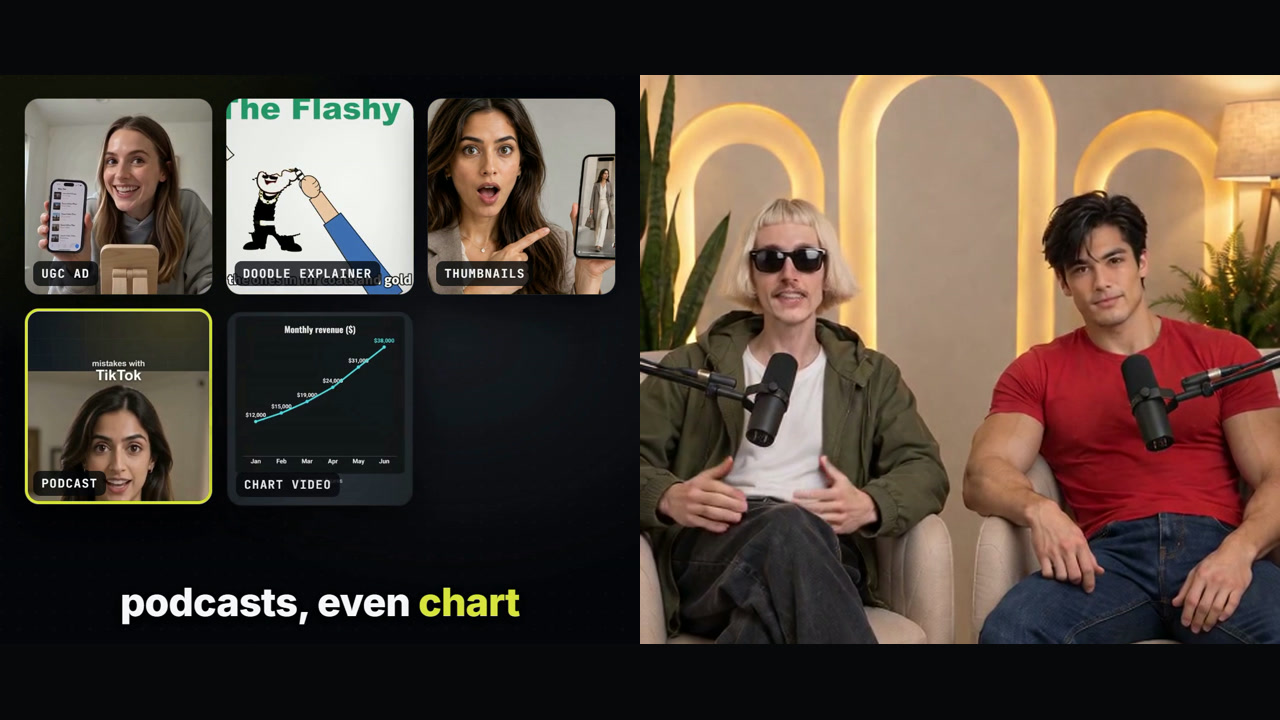
What is Filem? A quick tour
Two hosts show what you can make with Filem and Claude, and how it works: connect in four clicks, ask in one sentence, see the price first.

A brand video with no crew, no studio, no editor
A 42-second video about what Filem does for your brand, presented by a host who is not real: his voice and talking were made in Filem.