Make a paper-cut explainer video
Write a few lines, pick a paper-cut or ink look, and get a narrated explainer film with captions that you can export. About 35 credits for a 13-second film.
What you'll make
A short narrated explainer in a paper-cut look: one picture per sentence, a voice, and word-by-word captions. A 4-sentence script comes to about 13 seconds and 35 credits, or 67 credits if you also make the pictures move.
1. Add the Explainer Video Maker
In Canvas Studio press +, search for Explainer Video Maker and add it. Switch it to Cutout and open the workspace.
2. Write your script
Paste a short script. Each sentence becomes one beat. Set Beats to the number of sentences and keep one picture per beat.
3. Pick a look
The gallery shows the same little owl in every style, so you can compare them for free. Try Newsprint Editorial for paper cut, or Chinese Ink & Paper and Ink Wash for ink. Then press Write beats (1 credit).
4. Make the pictures
Press Render posters: one picture per beat, 5 credits each. You can redo a single picture for 5 credits.
5. Add the voice
Choose a voice from the library (for example Man, documentary narrator) and press Produce voice + captions (about 13 credits for four beats).
6. Make the pictures move (optional)
Press Animate on a picture to turn it into a short clip where the paper pieces slide, flap and scatter. It costs credits for every picture, so check the estimate first. The film in this tutorial animated all four pictures at the lowest quality (480p, 4 seconds each): 32 credits. Skip this step and your pictures stay still.
7. Open in the editor and export
Open in editor is free. Export the MP4 from the editor; it is free too. For captions, pick a caption style in the editor: the film here uses the bold UGC Classic style, with the spoken word lit in yellow. Background music costs extra, so skip it if you add your own.
Good to know
- The pictures can contain made-up newspaper text. It is decoration, not your script, and small print can wobble when a picture is animated.
- Keep the script short: every extra beat adds a picture and some voice.
Everything Claude makes is saved in your MCP history.
More Canvas tutorials
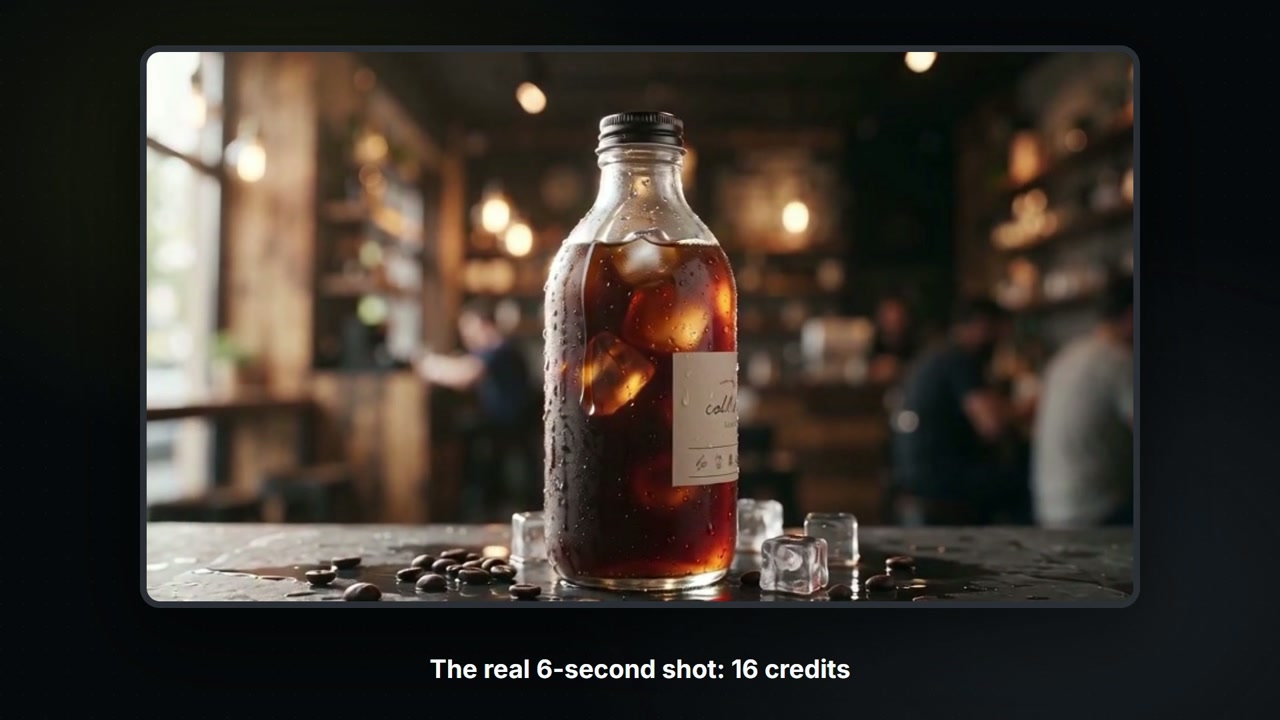
Build a Canvas board with Claude
Claude controls your Canvas board: tell it what you want and it adds the nodes, wires them, shows the price, then runs them. A 6-second product shot for 16 credits.
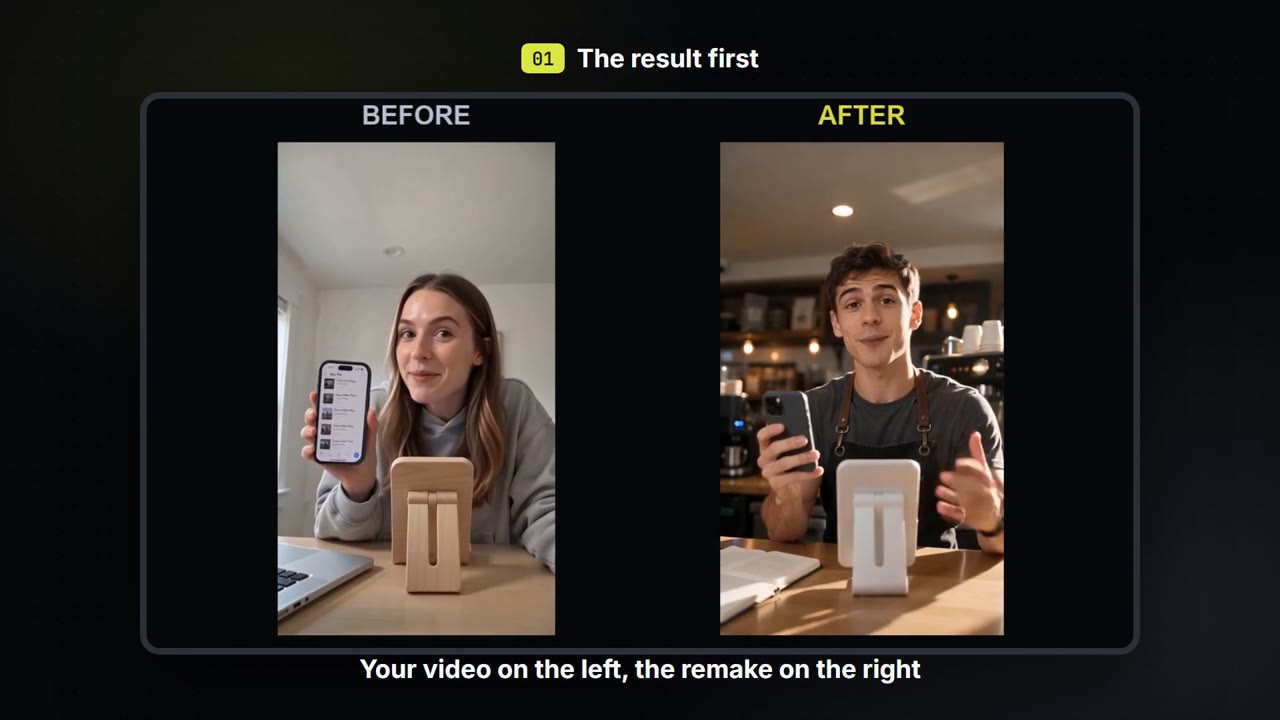
Swap the person, place and voice in your own video
Keep how your own video moves. Change who is in it, where it happens and what they sound like, then compare before and after.
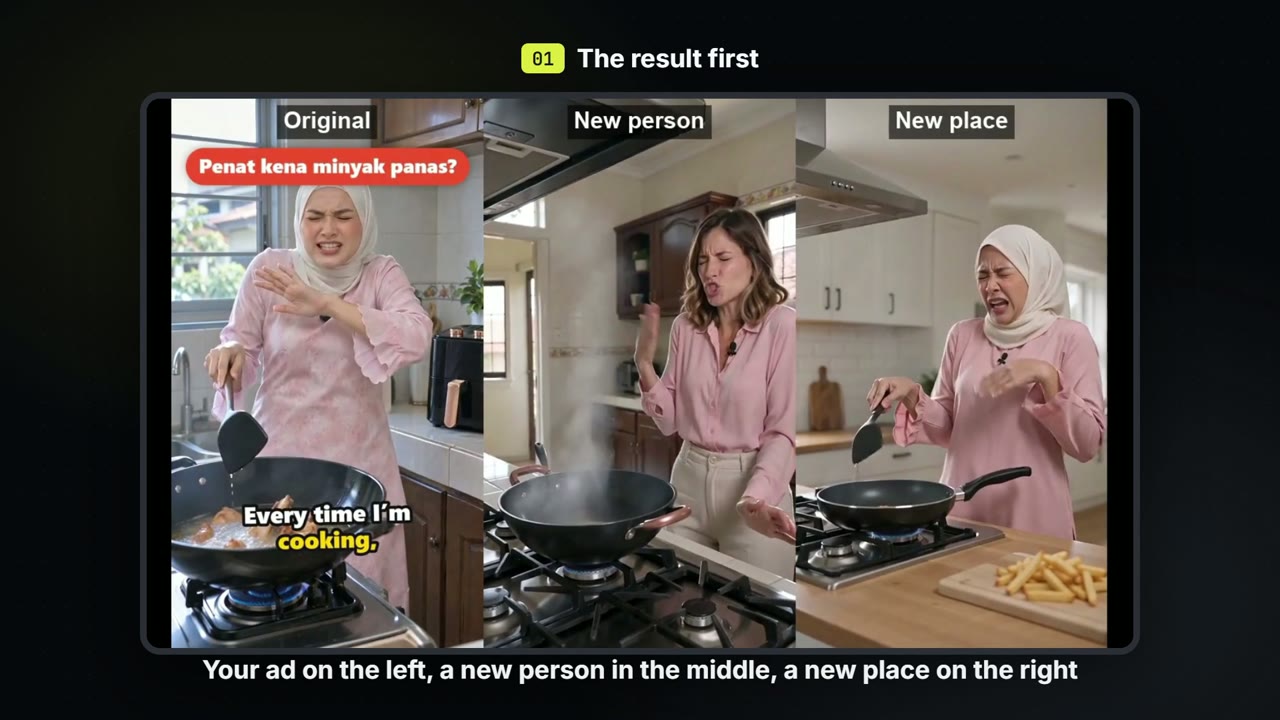
Make versions of one ad: a new person, a new place
Keep the script and the beats of an ad you already have. Make one version with a new person and one in a new place, for about 71 credits each.