Swap the person, place and voice in your own video
Keep how your own video moves. Change who is in it, where it happens and what they sound like, then compare before and after.
What you'll make
A remake of your own video with the same movement and timing, but a new person, a new place and a new voice, shown next to the original. Use footage you made or have the right to use.
1. Add your video
In Canvas Studio, add an Upload / Media node and add your clip (upload it or paste its link). A single shot of about 5 seconds works best.
2. Prepare its movement
Add the movement-prep node from the Process group, wire your video into it and press Convert (free). Keep the tab in front until it says done. Then wire its output into a Video Generation node's video-reference port.
3. Choose who is in it now
Add a second Upload / Media node with a character image (a library creator or your own) and wire it into the Video Generation node's reference port.
4. Give it a new voice
Add a Voiceover node, write the line, pick a voice and press Generate (3 credits). Wire it into the Video Generation node's voice port.
5. Describe the place and render
Write one line about the new place in the Video Generation prompt and choose Motion ref on the node. Pick Seedance 2 Mini at 480p with the same length as your clip. The node shows the price (39 credits for 5 seconds) before you press Generate.
Good to know
- Keep each clip to one shot. If your video cuts to a different shot, the remake does not follow the cut; split it first and swap each shot.
- Use only footage you own or may use.
Everything Claude makes is saved in your MCP history.
More Canvas tutorials
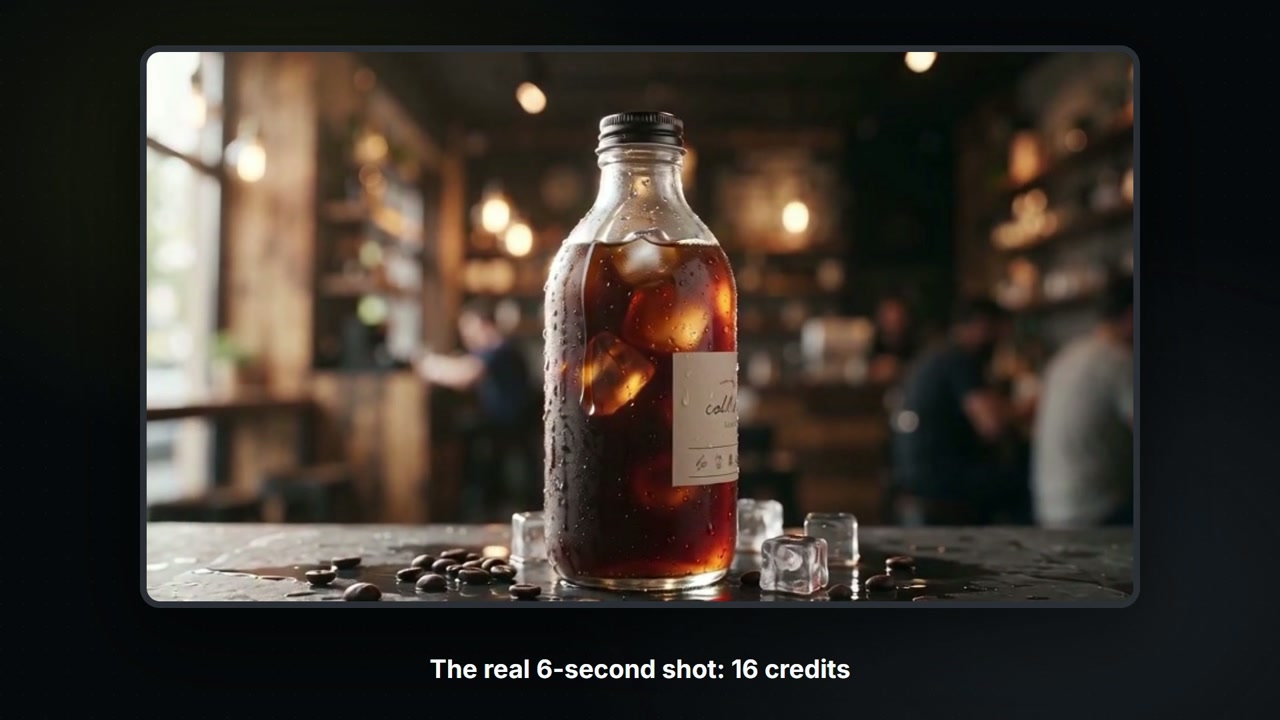
Build a Canvas board with Claude
Claude controls your Canvas board: tell it what you want and it adds the nodes, wires them, shows the price, then runs them. A 6-second product shot for 16 credits.
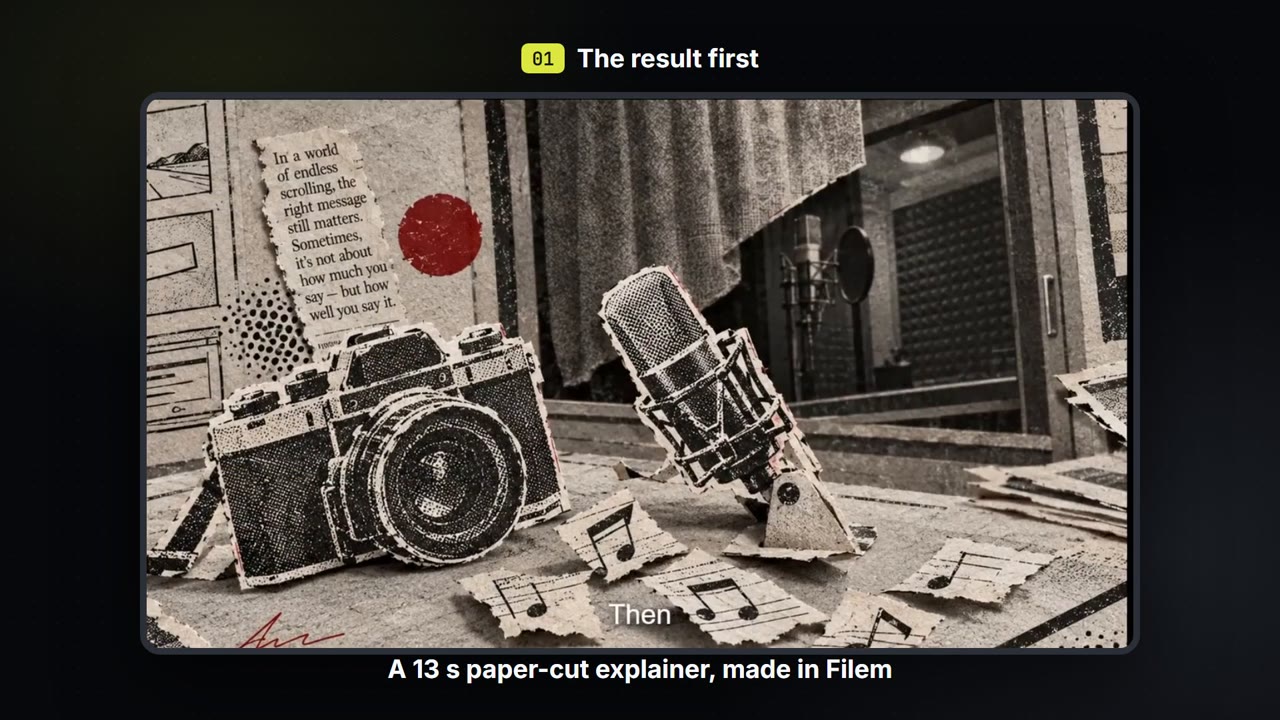
Make a paper-cut explainer video
Write a few lines, pick a paper-cut or ink look, and get a narrated explainer film with captions that you can export. About 35 credits for a 13-second film.
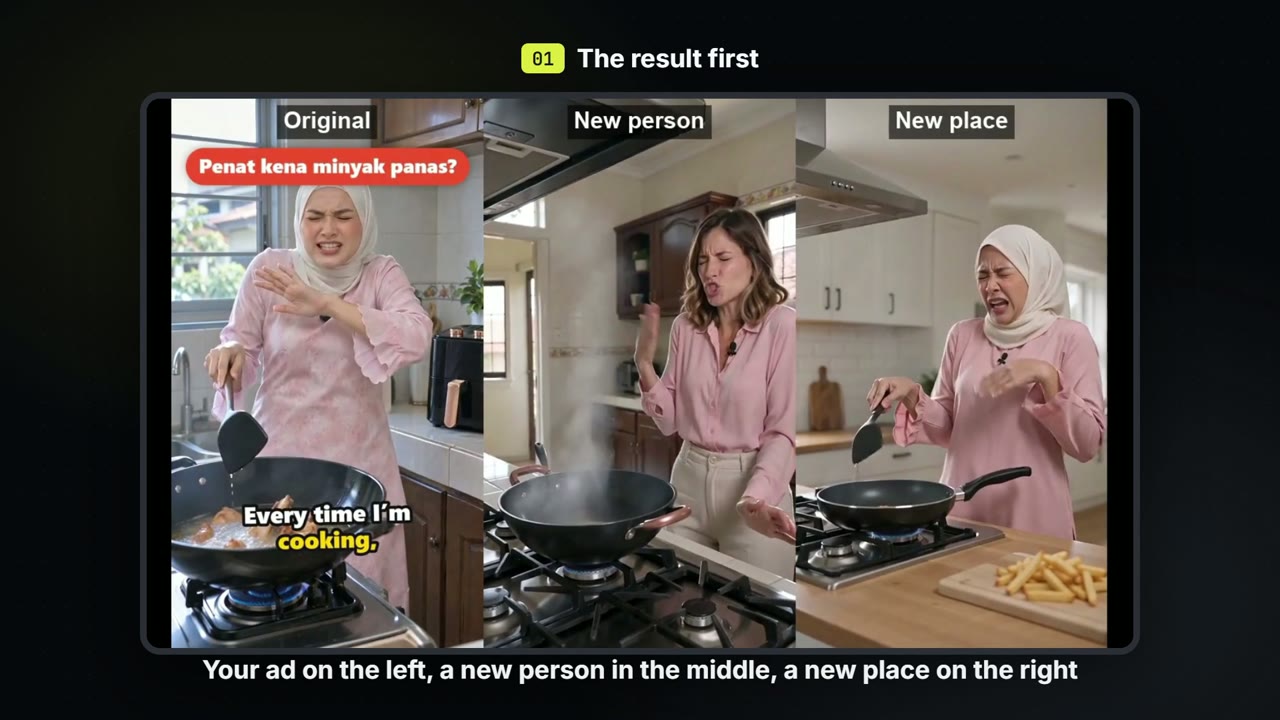
Make versions of one ad: a new person, a new place
Keep the script and the beats of an ad you already have. Make one version with a new person and one in a new place, for about 71 credits each.