Build a Canvas board with Claude
Claude controls your Canvas board: tell it what you want and it adds the nodes, wires them, shows the price, then runs them. A 6-second product shot for 16 credits.
What you'll make
A Canvas board with a picture node wired into a video node, built by Claude from one sentence. Claude edits the board for free; you see the price before anything runs. This one made a 6-second cold-brew product shot for 16 credits.
First time? Connect Filem to Claude: Connect Filem to Claude.
1. Ask for the board
On my newest empty Filem canvas board, set up a 6-second product shot of a glass bottle of cold brew coffee: one image node with the picture prompt, wired into a video node. Don't run anything yet, just build the board.
Claude adds an image node and a video node, then wires the picture into the video's first-frame port, so the video starts on that picture. Editing the board spends no credits. You need an empty board to start: open Canvas Studio and press New canvas.
2. Check the price
How many credits will it cost to run both nodes? Check the price first, don't run anything.
Claude reads the price of each node: 3 credits for the picture and 13 for the 6-second video (Seedance 2 Mini, 480p), 16 in all.
3. Run it
Good, run the image node first, then the video node when the picture is ready.
Each run asks you to Allow once; this is the only step that spends credits. Claude waits for the picture, starts the video, and tells you when it is ready.
4. Open the board
Both results are saved on the nodes of your board. Reload the board in Canvas Studio if it was already open, and keep working from there.
Everything Claude makes is saved in your MCP history.
More Canvas tutorials
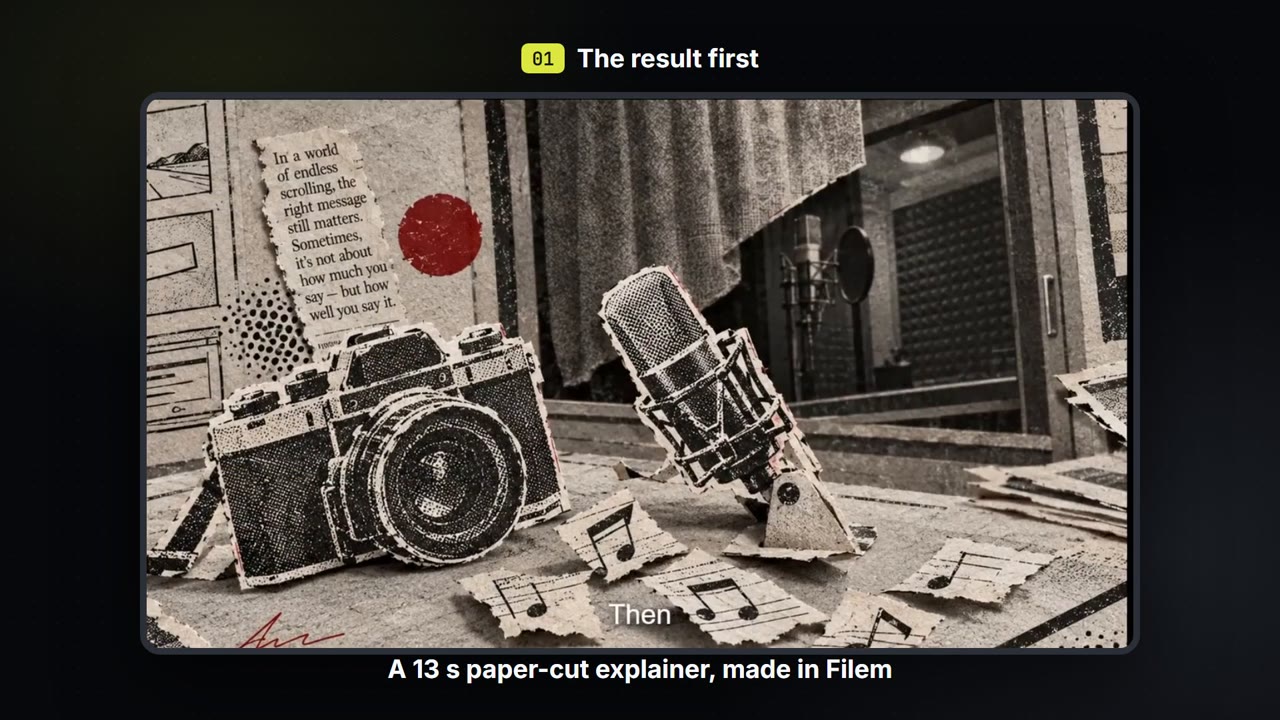
Make a paper-cut explainer video
Write a few lines, pick a paper-cut or ink look, and get a narrated explainer film with captions that you can export. About 35 credits for a 13-second film.
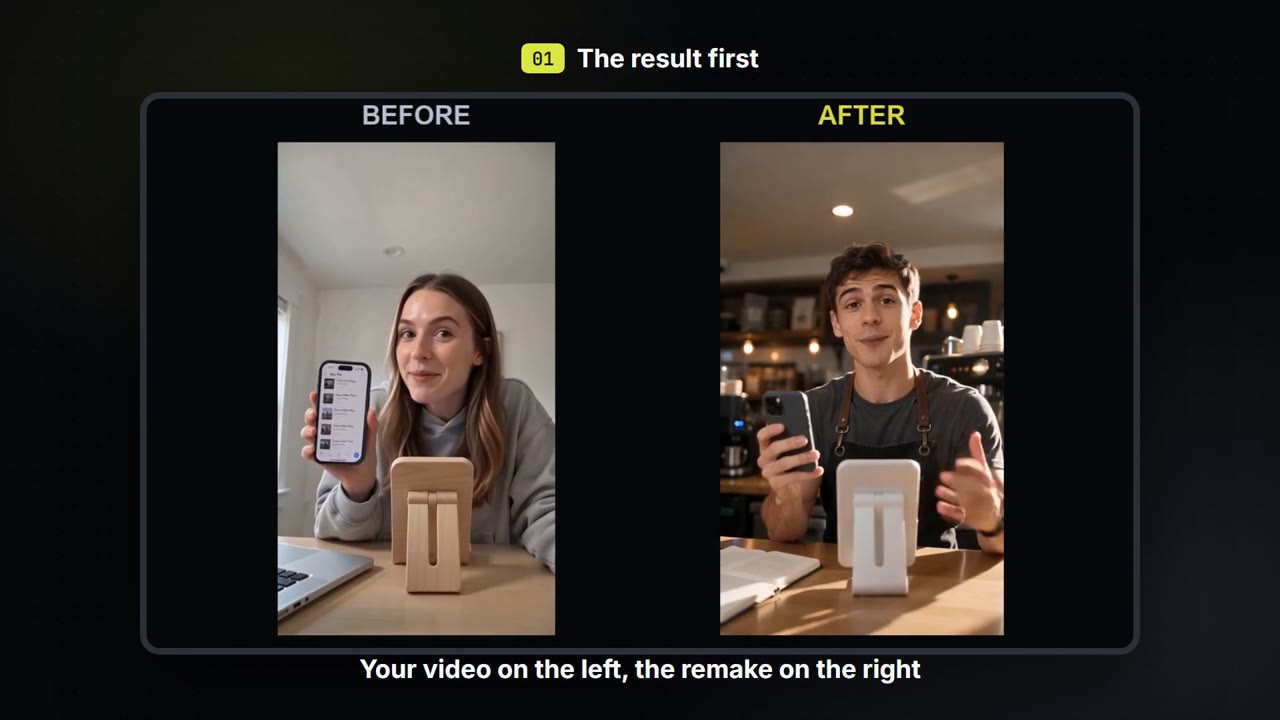
Swap the person, place and voice in your own video
Keep how your own video moves. Change who is in it, where it happens and what they sound like, then compare before and after.
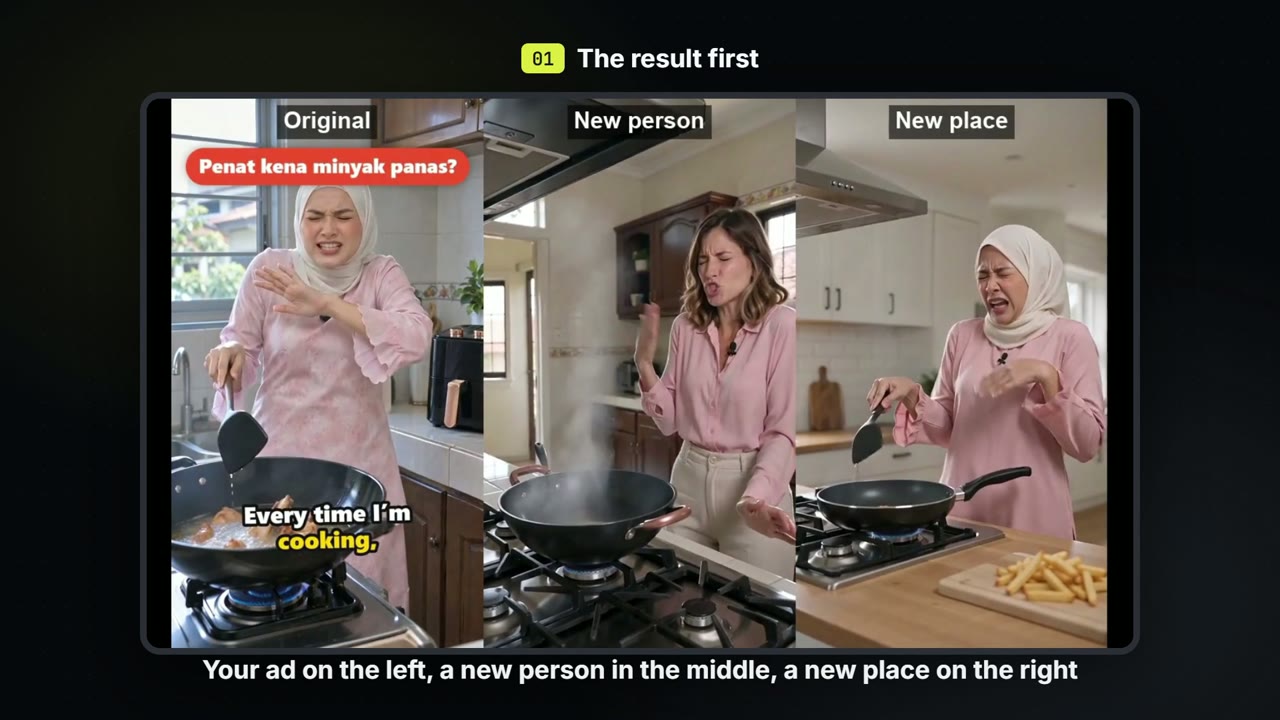
Make versions of one ad: a new person, a new place
Keep the script and the beats of an ad you already have. Make one version with a new person and one in a new place, for about 71 credits each.