Clone an ad: new person, new place, your own motion graphics
Remake an ad you already have with a new person in a new place saying the same words, then add your own hook badge, highlighted captions and end card.
What you'll make
A clone of an ad you already have: the same words and beats, a new person in a new place, then dressed with your own motion graphics. Use an ad you made or have the right to use.
1. Write down what it says
The captions in your ad already hold the exact words. Copy them in order, so the clone says the same thing.
2. Make the new person and the new place once
Ask Claude for a character sheet for the new person and a location sheet for the new place (5 credits each). Both keep their look the same in every shot.
3. See the price, then render
Ask Claude to render the ad with both sheets as references and the words as the script. A 12 second vertical clip with her voice on Seedance 2 Mini at 720p is 49 credits. Ask for the cost first; nothing renders until you say so.
4. Add the motion graphics
Read the clip for word times (2 credits), then put the graphics on top, each timed to the word she says: a hook badge at the start, captions with the key word highlighted, a sticker on the claim, and your own end card to close.
Good to know
- The clone follows the same beats as your ad, not frame for frame.
- The voice is a new voice, not a clone of the original speaker.
- If one shot looks wrong (a hand, say), re-render just that shot and place it over the original; the voice and captions stay as they are.
Everything Claude makes is saved in your MCP history.
More Canvas tutorials
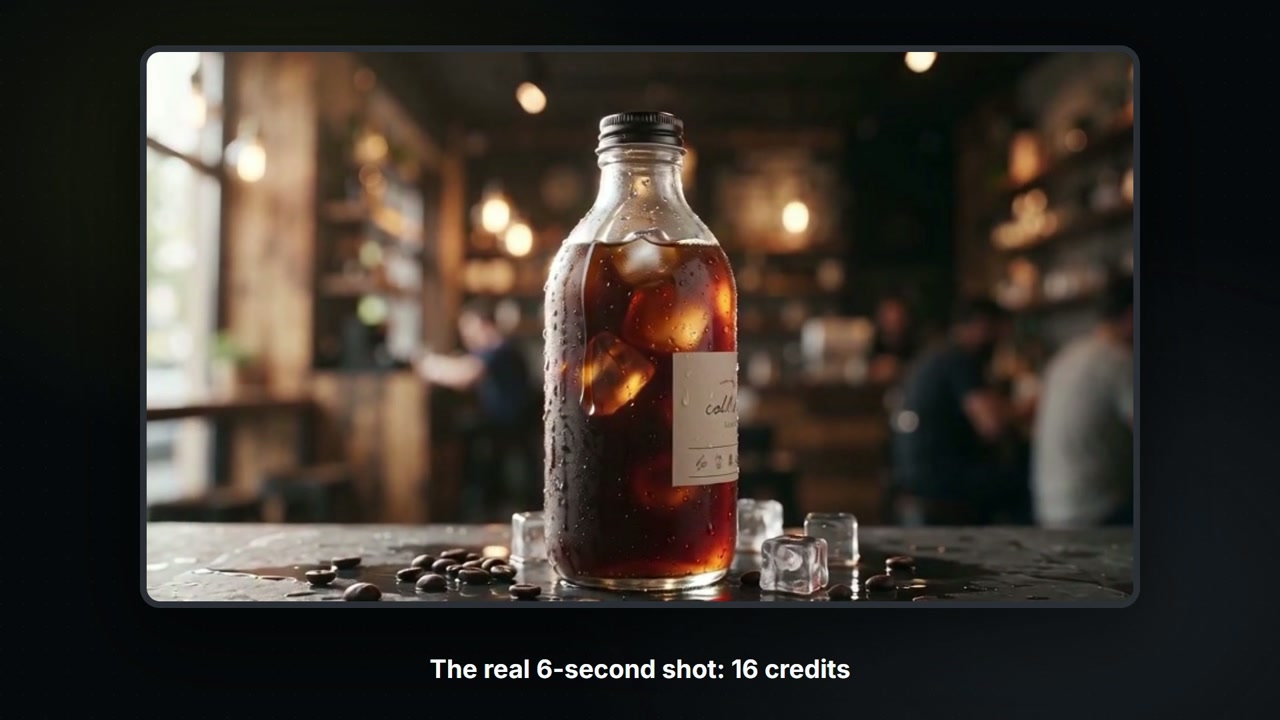
Build a Canvas board with Claude
Claude controls your Canvas board: tell it what you want and it adds the nodes, wires them, shows the price, then runs them. A 6-second product shot for 16 credits.
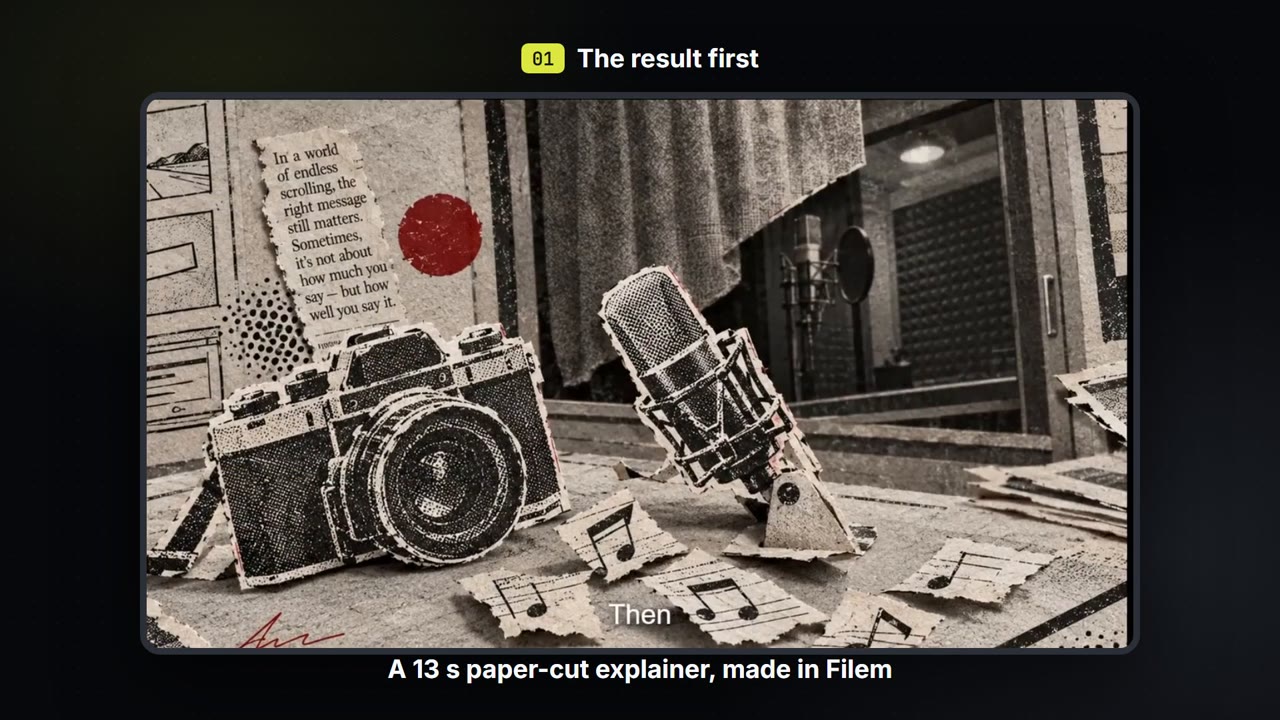
Make a paper-cut explainer video
Write a few lines, pick a paper-cut or ink look, and get a narrated explainer film with captions that you can export. About 35 credits for a 13-second film.
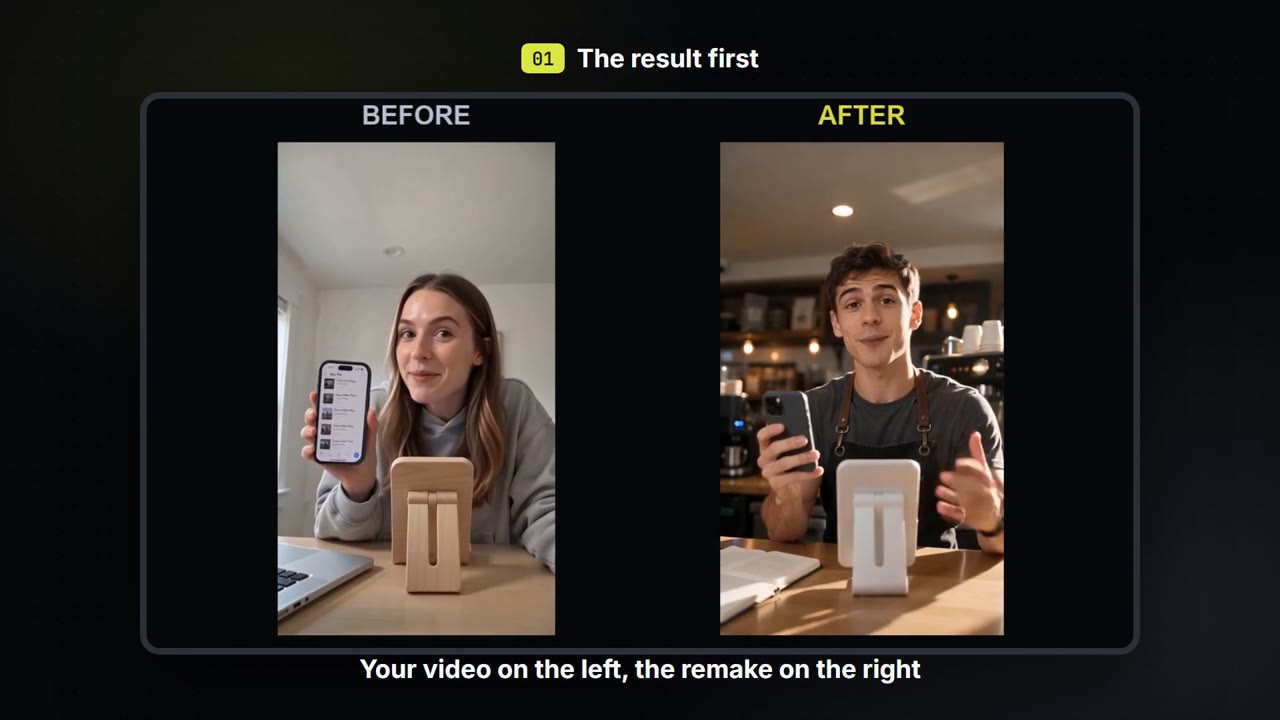
Swap the person, place and voice in your own video
Keep how your own video moves. Change who is in it, where it happens and what they sound like, then compare before and after.