One ad, four motion-graphics styles
Take one finished clip and dress it four ways, with the same words and the same timing: a social classic, a highlighter, a comic pop and a cinematic trailer.
What you'll make
The same ad in four different looks, side by side. The footage, the voice and the words stay the same; only the motion graphics change. Use a clip you made or have the right to use.
1. Start with one clip
Make or choose the clip first. This tutorial uses a 12 second clone of a product ad with a new person in a new place.
2. Read the word times once
Ask Claude to read the clip for word times (2 credits). Every caption then lands on the word she says, and every style reuses the same timing.
3. Pick a look
- UGC classic: an orange hook badge, white captions with a yellow key word, red-and-white stickers.
- Highlighter: words on solid blocks, one punch per phrase, starburst stickers.
- Comic pop: comic-book lettering with a hard red shadow and burst stickers.
- Cinematic trailer: letterbox bars, tall silver-and-gold titles, a flash on each key word, and the claim as a title card.
4. Compare and choose
Changing the look costs 0 credits, so try styles until one fits your brand, and keep the others for tests.
Good to know
- Match the style to the platform and the audience: loud and bold for short social ads, calm and cinematic for premium products.
- The clip itself is made once; the styles are drafts you can change any time.
Everything Claude makes is saved in your MCP history.
More Canvas tutorials
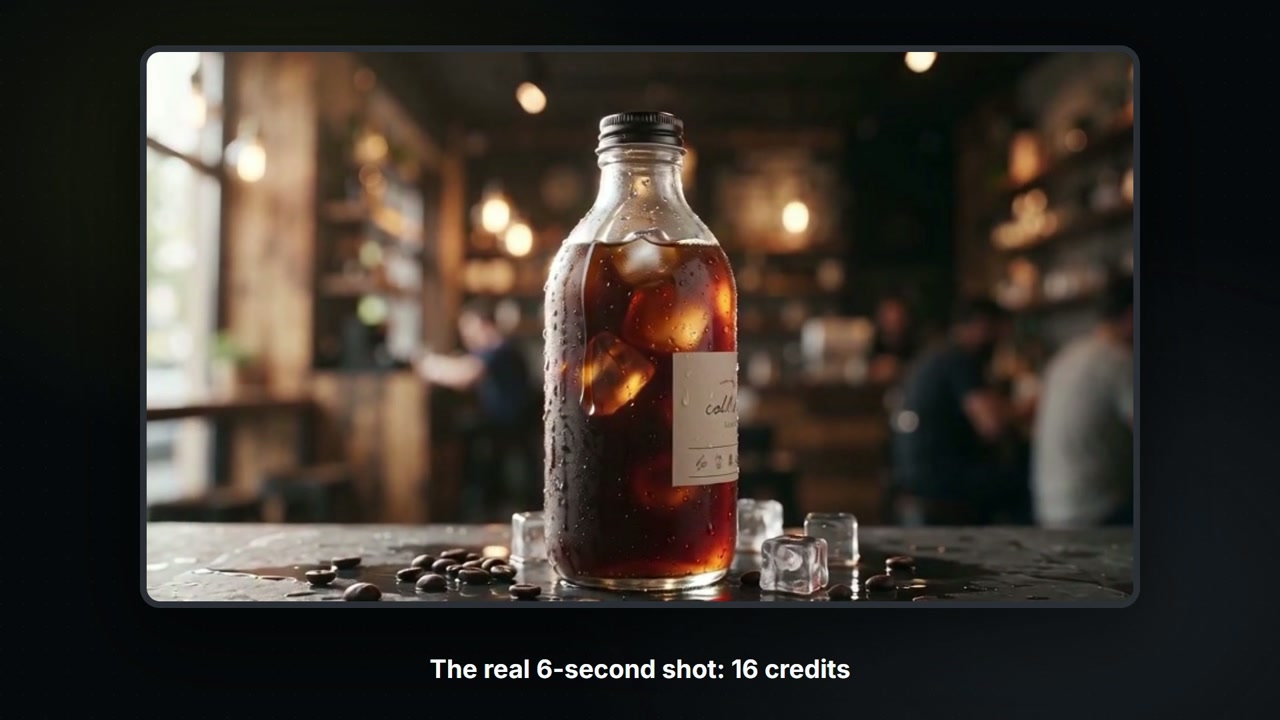
Build a Canvas board with Claude
Claude controls your Canvas board: tell it what you want and it adds the nodes, wires them, shows the price, then runs them. A 6-second product shot for 16 credits.
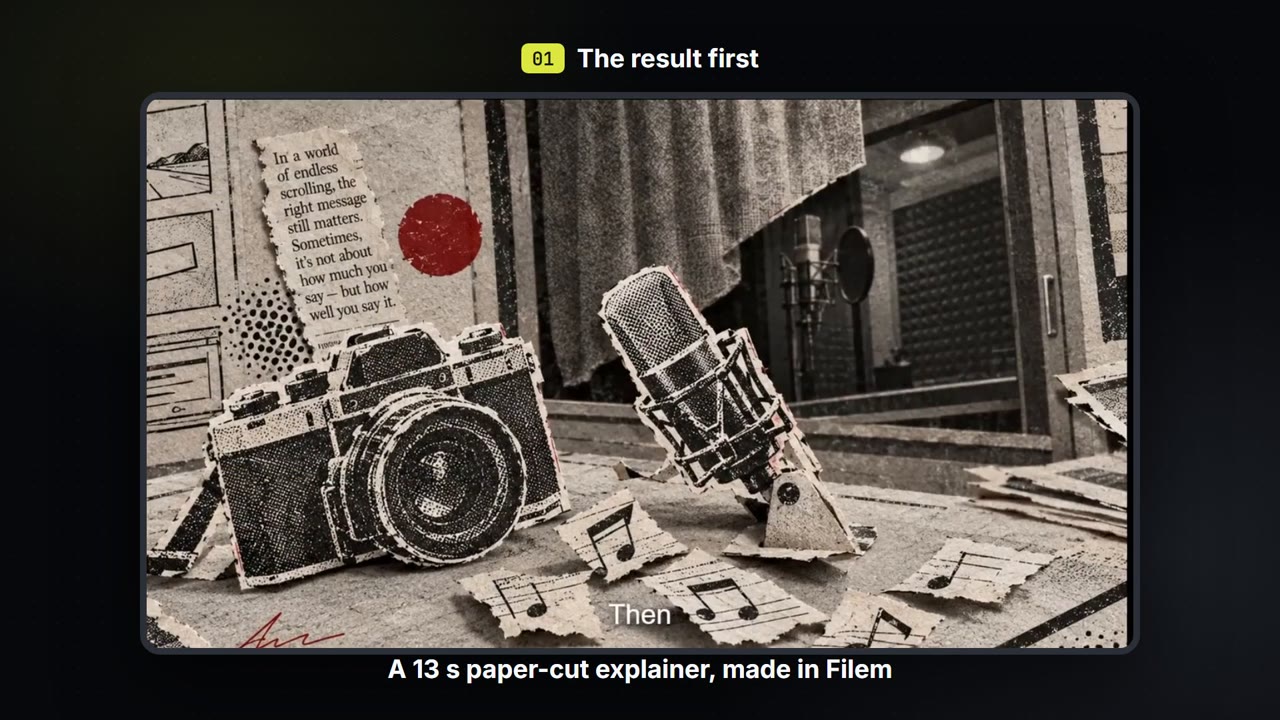
Make a paper-cut explainer video
Write a few lines, pick a paper-cut or ink look, and get a narrated explainer film with captions that you can export. About 35 credits for a 13-second film.
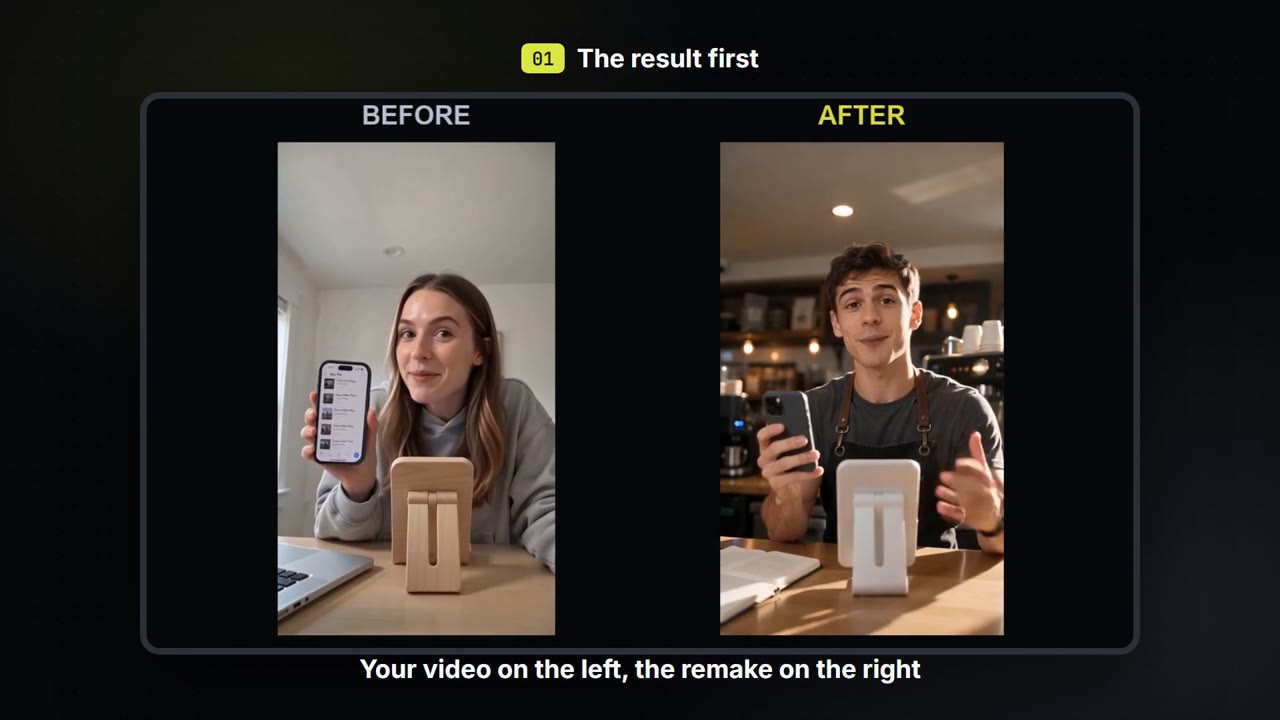
Swap the person, place and voice in your own video
Keep how your own video moves. Change who is in it, where it happens and what they sound like, then compare before and after.